
Voici la commandes que j’utilises pour forcer le scan des photos :
sudo -u www-data php7.3 /usr/share/nginx/nextcloud/occ maps:scan-photosLe lien vers l’application :
Step 0 : Install Joplin and activate the REST API ( https://joplin.cozic.net/api/ ) .
Step 1: Install staticmap with pip ( for more information see https://github.com/komoot/staticmap )
$ pip install staticmap
Collecting staticmap
  Downloading https://files.pythonhosted.org/packages/f9/9f/5a3843533eab037cba031486175c4db1b214614404a29516208ff228dead/staticmap-0.5.4.tar.gz
Collecting Pillow (from staticmap)
  Downloading https://files.pythonhosted.org/packages/c9/ed/27cc92e99b9ccaa0985a66133baeea7e8a3371d3c04cfa353aaa3b81aac1/Pillow-5.4.1-cp37-cp37m-macosx_10_6_intel.macosx_10_9_intel.macosx_10_9_x86_64.macosx_10_10_intel.macosx_10_10_x86_64.whl (3.7MB)
    100% |████████████████████████████████| 3.7MB 6.3MB/s
Requirement already satisfied: requests in /usr/local/lib/python3.7/site-packages (from staticmap) (2.21.0)
Requirement already satisfied: chardet<3.1.0,>=3.0.2 in /usr/local/lib/python3.7/site-packages (from requests->staticmap) (3.0.4)
Requirement already satisfied: idna<2.9,>=2.5 in /usr/local/lib/python3.7/site-packages (from requests->staticmap) (2.8)
Requirement already satisfied: urllib3<1.25,>=1.21.1 in /usr/local/lib/python3.7/site-packages (from requests->staticmap) (1.24.1)
Requirement already satisfied: certifi>=2017.4.17 in /usr/local/lib/python3.7/site-packages (from requests->staticmap) (2018.11.29)
Building wheels for collected packages: staticmap
  Building wheel for staticmap (setup.py) ... done
  Stored in directory: /Users/..../Library/Caches/pip/wheels/fe/a6/a5/2acceb72471d85bd0498973aabd611e6ff1cdd48796790f047
Successfully built staticmap
Installing collected packages: Pillow, staticmap
Successfully installed Pillow-5.4.1 staticmap-0.5.4
The source code :
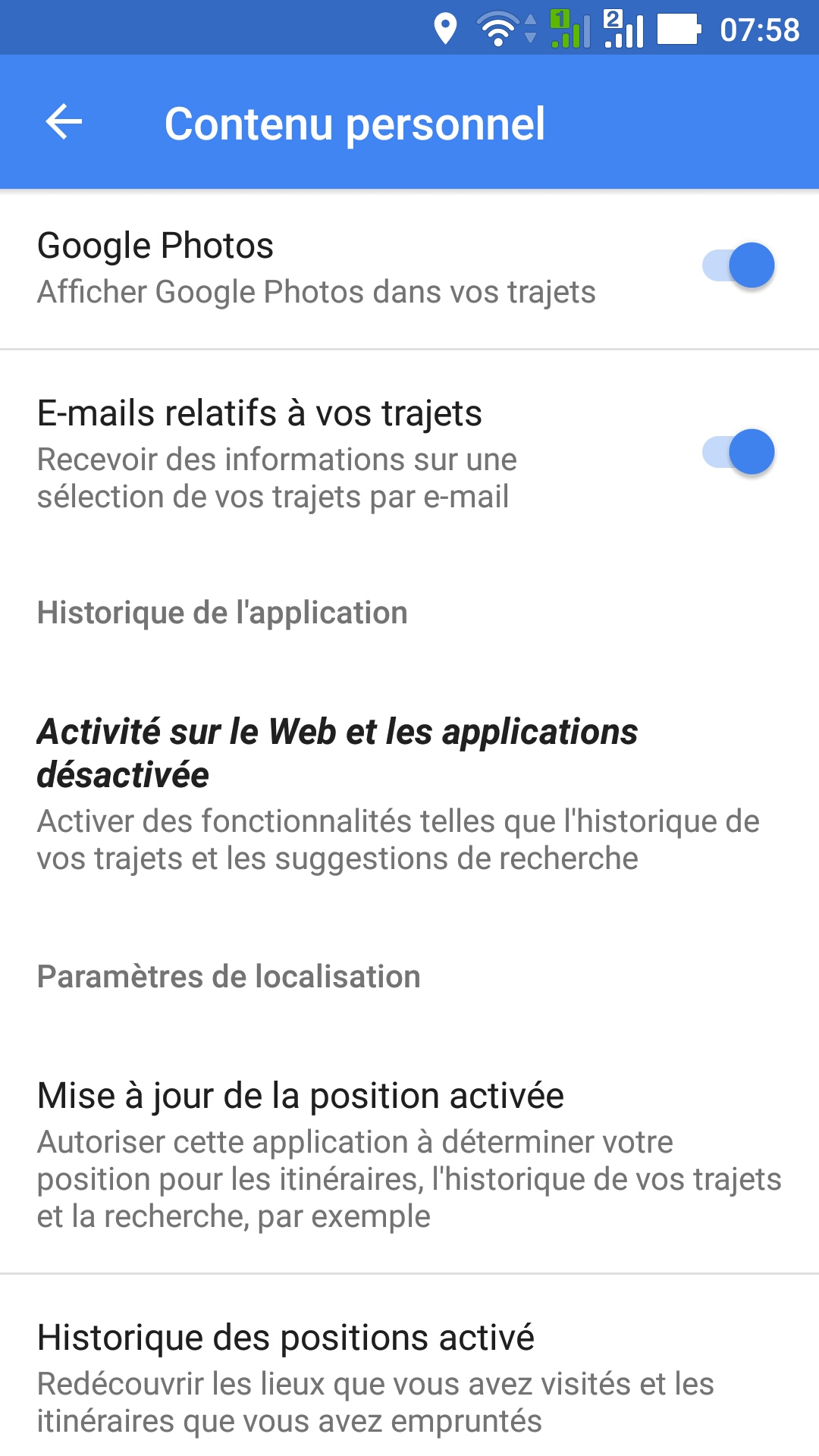
Google fait du tracking via Maps, le supprimer permet de gagner en autonomie sur le téléphone mais aussi en vie privé.
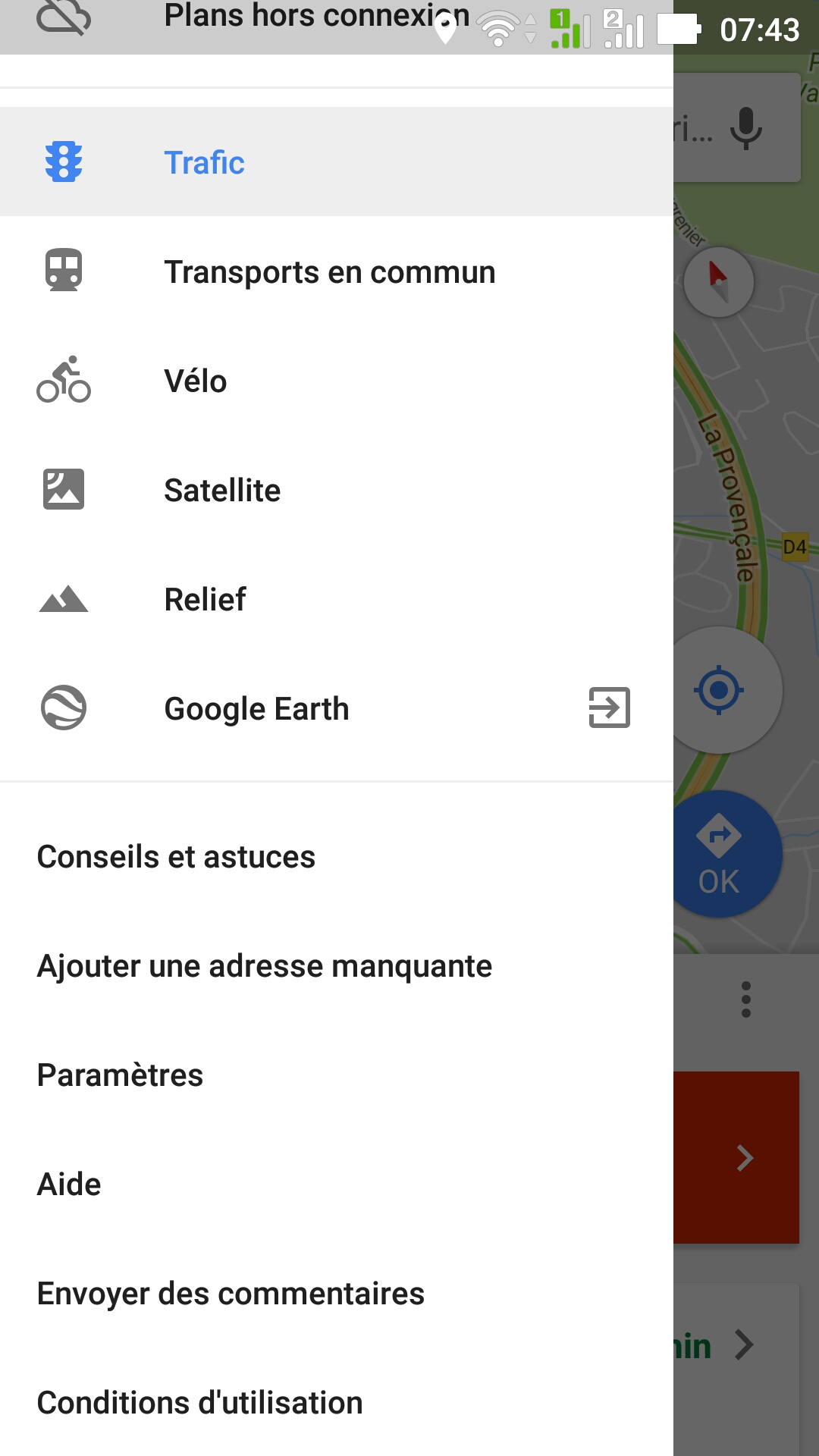
Il suffit de lancer Map, puis Paramètres, puis Contenu Personnel, puis Historique des positions et désactivé les appareils.
Pour mieux se rendre compte de ce que fait google il suffit d’aller sur : https://www.google.com/maps/timeline .
Le plugin : http://wordpress.org/plugins/wp-gpx-maps/screenshots/ .
Ensuite on exporte le fichier GPX :
 Et on copie le Shortcode dans l’article.
Exemple :





