
Avec Python 3.12.3 :
Python 3.12.3 (main, Feb  4 2025, 14:48:35) [GCC 13.3.0]
Version: v1.10.1
Commit hash: 82a973c04367123ae98bd9abdf80d9eda9b910e2
Installing torch and torchvision
Looking in indexes: https://pypi.org/simple, https://download.pytorch.org/whl/cu121
ERROR: Could not find a version that satisfies the requirement torch==2.1.2
(from versions: 2.2.0, 2.2.0+cu121, 2.2.1, 2.2.1+cu121, 2.2.2, 2.2.2+cu121,
2.3.0, 2.3.0+cu121, 2.3.1, 2.3.1+cu121, 2.4.0, 2.4.0+cu121, 2.4.1,
2.4.1+cu121, 2.5.0, 2.5.0+cu121, 2.5.1, 2.5.1+cu121, 2.6.0, 2.7.0)
ERROR: No matching distribution found for torch==2.1.2
Donc j’utilise Python 3.11 :
# apt-get install python3-setuptools
# apt-get install python3-build
# python3.11 -m pip install --upgrade pip setuptools wheel
# virtualenv -p /usr/bin/python3.11 venv
created virtual environment CPython3.11.12.final.0-64 in 1366ms
  creator CPython3Posix(dest=/home/XXXX/stable-diffusion-webui/venv, clear=False,
no_vcs_ignore=False, global=False)
  seeder FromAppData(download=False, pip=bundle, setuptools=bundle, wheel=bundle,
via=copy, app_data_dir=/home/XXXX/.local/share/virtualenv)
    added seed packages: pip==24.0, setuptools==68.1.2, wheel==0.42.0
  activators BashActivator,CShellActivator,FishActivator,NushellActivator,PowerShellActivator,PythonActivator
$ source venv/bin/activate
$ python3.11 -m pip install --upgrade pip setuptools wheel
$ bash webui.sh --api --listenLe plus longs c’est de fixer les problèmes Python …
findfont: Font family 'Helvetica' not found.Ensuite quelques lignes de code :
import pandas as pd
import calplot
import pylab
from matplotlib import rcParams

df_tem = pd.read_csv('./VeloResume2020-2024-v4.csv', delimiter=";")
df_tem2 = df_tem.groupby([df_tem['date'].dt.date,'activity'])['km'].sum().reset_index().rename(columns={'sum':'km'})
df_tem2 = df_tem2.query('activity=="E-Biking"'
fig = calplot.calplot(df_tem2['km'],
                cmap="BuGn",
                fillcolor="w",
                linecolor="w",
                suptitle_kws=csfont,
                yearlabel_kws={'fontname':'sans-serif'},
                fig_kws=dict(facecolor="w"),
                subplot_kws=dict(facecolor="w"),
                edgecolor="grey")
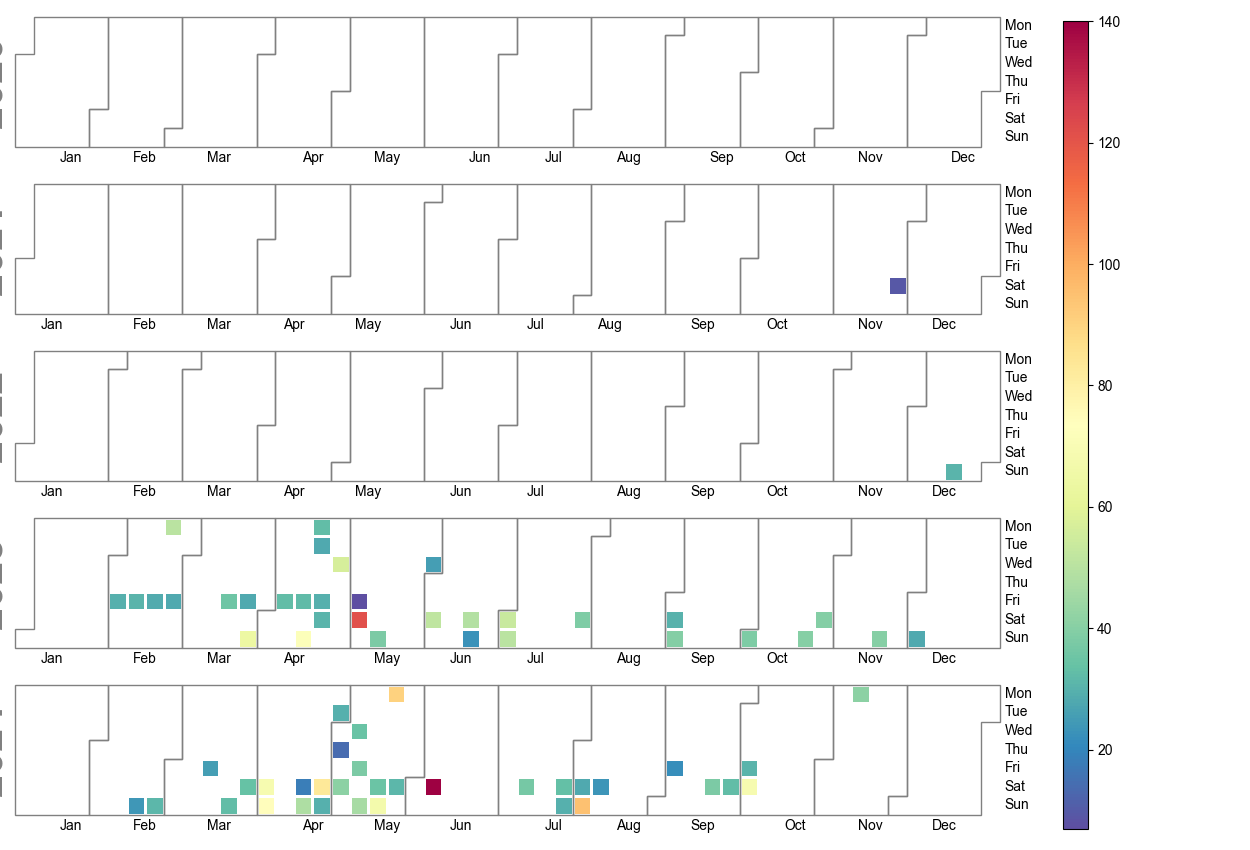
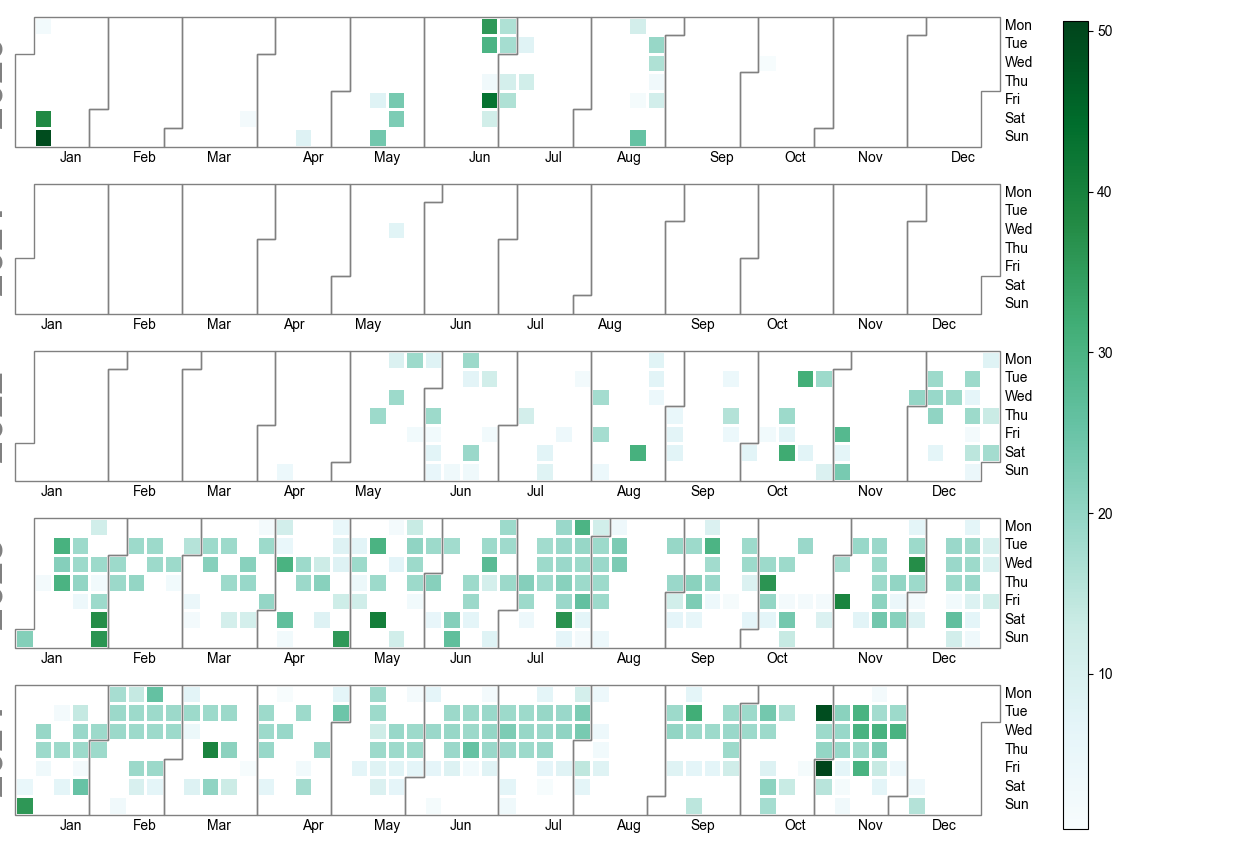
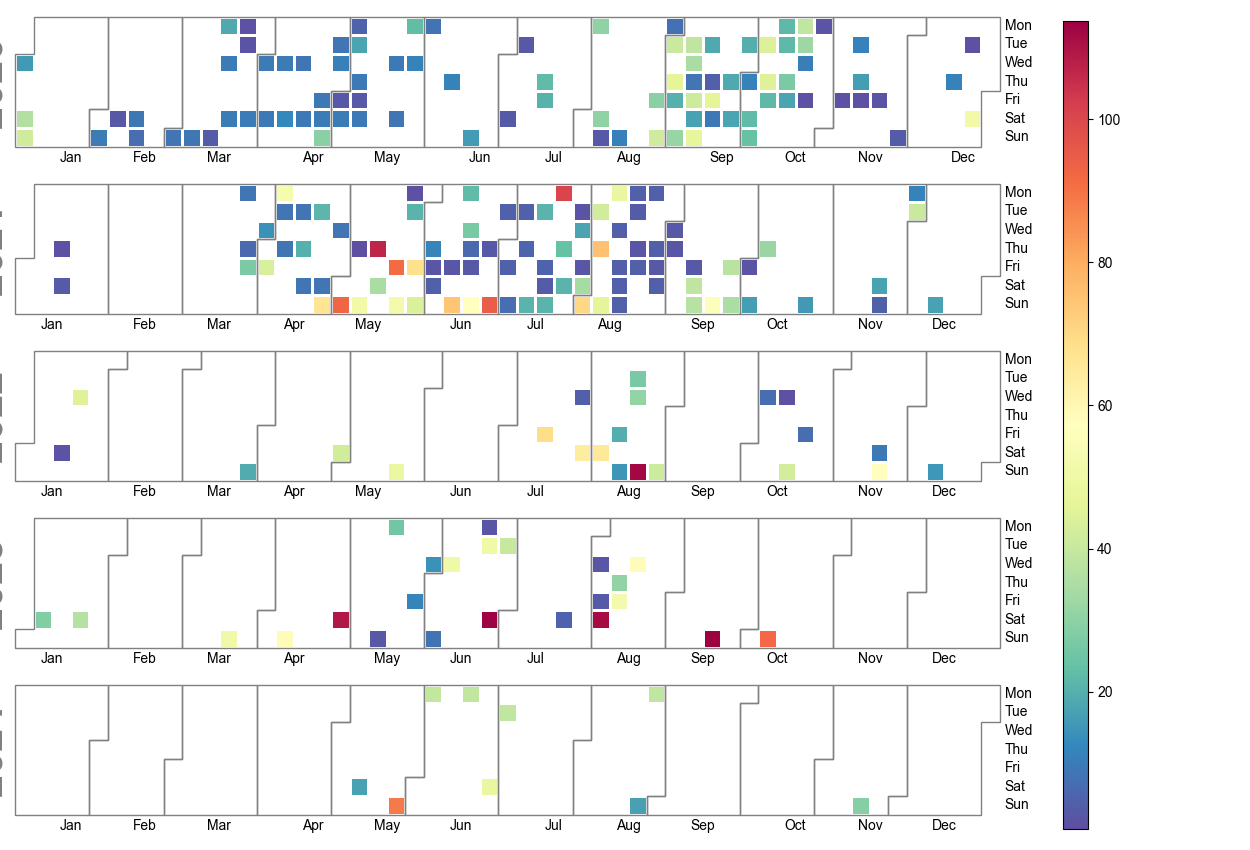
pylab.savefig('E-Biking.png')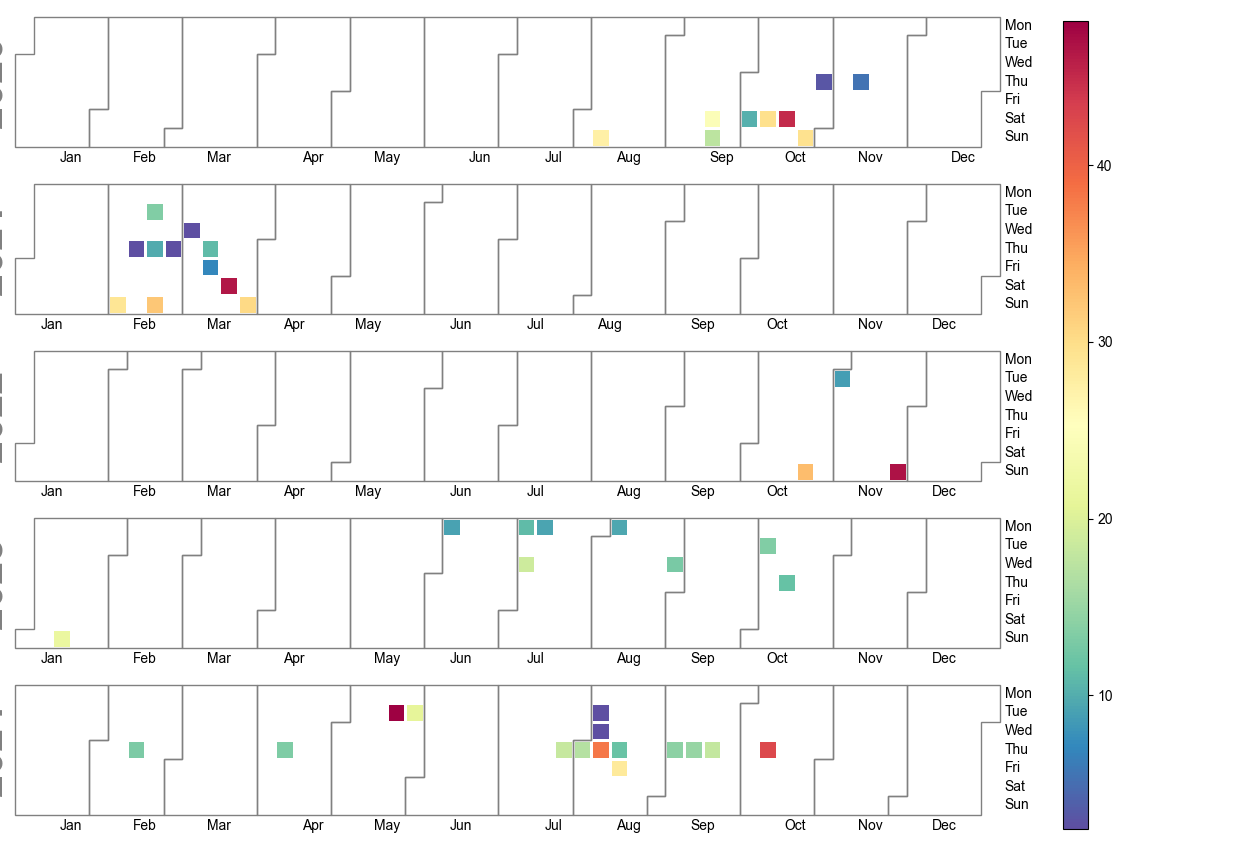
Sur Kali OS j’ai eu cette erreur :
Bad key text.parse_math in file /usr/share/matplotlib/mpl-data/matplotlibrc, line 303 ('text.parse_math: False # Use mathtext if there is an even number of unescaped')
You probably need to get an updated matplotlibrc file from
https://github.com/matplotlib/matplotlib/blob/v3.5.2/matplotlibrc.template
or from the matplotlib source distribution
Traceback (most recent call last):
File "....Test.py", line 31, in <module>
import gradio as gr
File "/usr/local/lib/python3.11/dist-packages/gradio/__init__.py", line 3, in <module>
import gradio._simple_templates
File "/usr/local/lib/python3.11/dist-packages/gradio/_simple_templates/__init__.py", line 1, in <module>
from .simpledropdown import SimpleDropdown
File "/usr/local/lib/python3.11/dist-packages/gradio/_simple_templates/simpledropdown.py", line 6, in <module>
from gradio.components.base import FormComponent
File "/usr/local/lib/python3.11/dist-packages/gradio/components/__init__.py", line 1, in <module>
from gradio.components.annotated_image import AnnotatedImage
File "/usr/local/lib/python3.11/dist-packages/gradio/components/annotated_image.py", line 11, in <module>
from gradio import processing_utils, utils
File "/usr/local/lib/python3.11/dist-packages/gradio/processing_utils.py", line 23, in <module>
from gradio.utils import abspath
File "/usr/local/lib/python3.11/dist-packages/gradio/utils.py", line 38, in <module>
import matplotlib
File "/usr/lib/python3/dist-packages/matplotlib/__init__.py", line 880, in <module>
rcParamsDefault = _rc_params_in_file(
^^^^^^^^^^^^^^^^^^^
File "/usr/lib/python3/dist-packages/matplotlib/__init__.py", line 814, in _rc_params_in_file
config[key] = val # try to convert to proper type or raise
~~~~~~^^^^^
File "/usr/lib/python3/dist-packages/matplotlib/__init__.py", line 650, in __setitem__
raise ValueError(f"Key {key}: {ve}") from None
ValueError: Key grid.color: '"' does not look like a color arg
J’ai donc edité le fichier /usr/share/matplotlib/mpl-data/matplotlibrc pour mettre en commentaire la ligne ( sachant que False ou True on a la même erreur) :
Etape 1 : Installation : https://pypi.org/project/gopro-overlay/
$ python3 -m venv venv
$ venv/bin/pip install gopro-overlay
$ mkdir ~/.gopro-graphics/
$ cat ~/.gopro-graphics/ffmpeg-profiles.json
{
  "overlay": {
    "input": [],
    "output": ["-vcodec", "png"]
  }
}
Etape 2 : Premier test et premier drame
$ venv/bin/gopro-dashboard.py --use-gpx-only --gpx Nextcloud/Pipe/Video/BoucleResideo.gpx 1920x1080 Nextcloud/Pipe/Video/BoucleResideo.mov
Starting gopro-dashboard version 0.100.0
ffmpeg version is 4.4.2-0ubuntu0.22.04.1
Using Python version 3.10.6 (main, May 29 2023, 11:10:38) [GCC 11.3.0]
Traceback (most recent call last):
  File "/home/arias/venv/bin/gopro-dashboard.py", line 107, in
    font = load_font(args.font)
  File "/home/arias/venv/lib/python3.10/site-packages/gopro_overlay/font.py", line 5, in load_font
    return ImageFont.truetype(font=font, size=size)
  File "/home/arias/venv/lib/python3.10/site-packages/PIL/ImageFont.py", line 1008, in truetype
    return freetype(font)
  File "/home/arias/venv/lib/python3.10/site-packages/PIL/ImageFont.py", line 1005, in freetype
    return FreeTypeFont(font, size, index, encoding, layout_engine)
  File "/home/arias/venv/lib/python3.10/site-packages/PIL/ImageFont.py", line 255, in __init__
    self.font = core.getfont(
OSError: cannot open resource
Etape 2b : Avec copie de la “font”
C’est pas vraiment top, dès qu’il y a de l’herbe j’ai la valeur > 100. C’était donc une fausse bonne idée …
Voici le script que j’ai fait :
#!/usr/bin/env python3.6
from libsvm import svmutil
from brisque import *
import sys
import os.path
import glob

brisq = BRISQUE()

for filename in glob.iglob('./Nextcloud/Photos/**', recursive=True):
     if (filename.endswith('.jpg')):
         temp=brisq.get_score(filename)
         if (temp > 100):
             print(filename)
             print(temp)
Par exemple : BRISQUE = 107.82606599602599 pour cette photo : 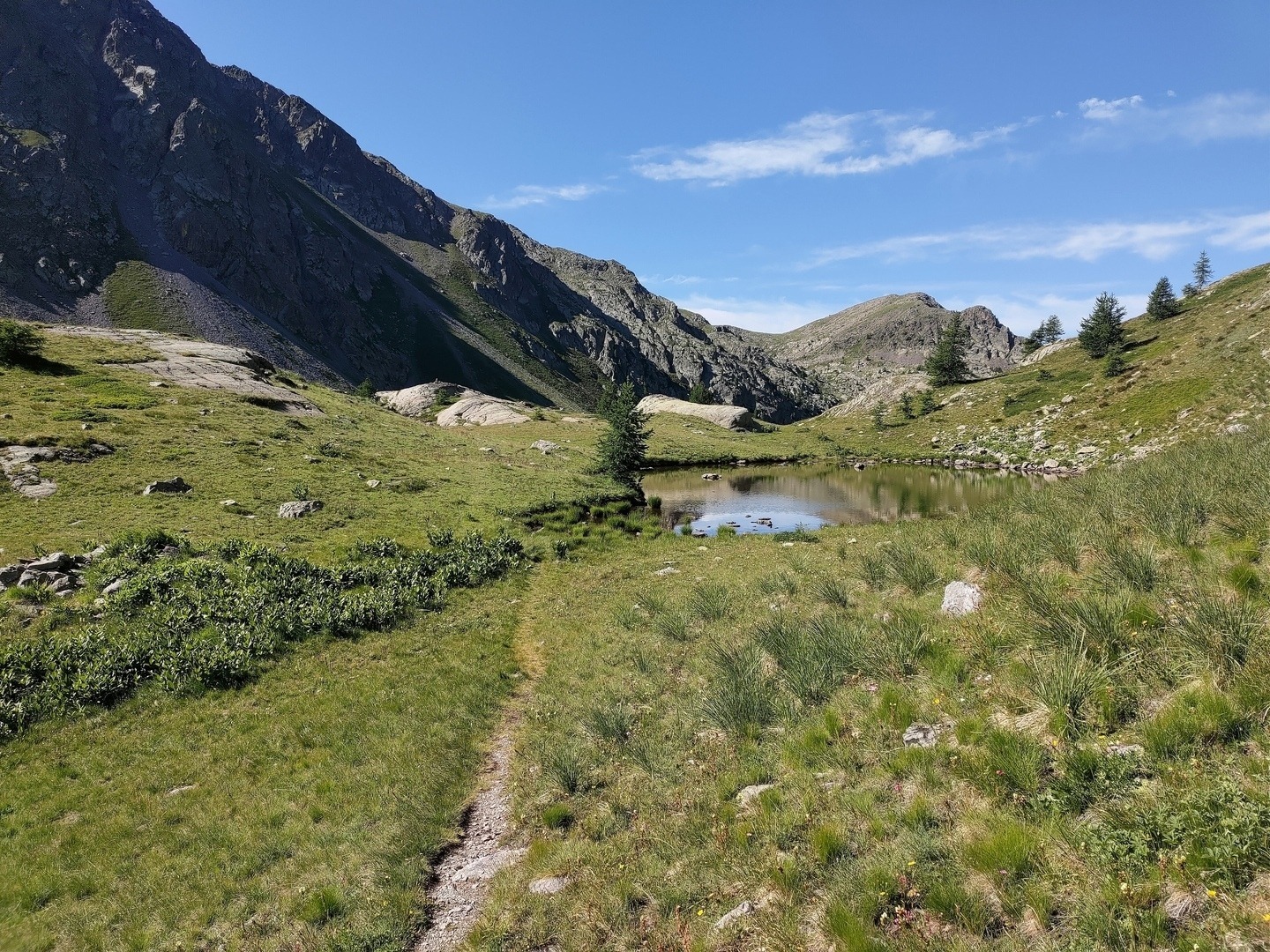
C’est pas gagné pour faire la détection du contour du blob (en mv4) :
[video width=“1060” height=“720” m4v=“https://www.cyber-neurones.org/wp-content/uploads/2022/04/blob2outpytest.m4v"][/video]
J’ai des problèmes de jaune :(
import cv2
import numpy as np
import matplotlib.pyplot as plt
....
        frame_hsv=cv2.cvtColor(frame, cv2.COLOR_BGR2HSV)

        low_yellow=np.array([10, 125, 100])
        upper_yellow=np.array([60, 220, 220])
        mask_yellow=cv2.inRange(frame_hsv,low_yellow,upper_yellow)

        list_masks=[mask_yellow]
        for i,mask in enumerate(list_masks):

            contours, _=cv2.findContours(mask,cv2.RETR_LIST,cv2.CHAIN_APPROX_NONE)
Sans le polygone (et en mp4):
[video width=“1280” height=“720” mp4=“https://www.cyber-neurones.org/wp-content/uploads/2022/04/blob2outpytest2.mp4"][/video]
A suivre.
J’ai fait un petit programme pour faire des PNG à l’aide d’un fichier CSV. Le but est de mettre des balises sur Google Picture.
Voici un exemple de fichier CSV :
$ cat list.csv
Nom,Année,Mois,Jours,Lieux,Pays
Deplacement sur Paris,2018,11,01,Paris,France
Deplacement sur Londres,2011,11,01,London,UK
Voici le programme :
from PIL import Image, ImageDraw, ImageFont
import piexif
from datetime import datetime
import csv
from geopy.geocoders import Nominatim
from GPSPhoto import gpsphoto

geolocator = Nominatim(user_agent="Your_Name")

with open('list.csv') as csv_file:
    csv_reader = csv.reader(csv_file, delimiter=',')
    line_count = 0
    for row in csv_reader:
        if line_count == 0:
            line_count += 1
        else:
            name = '%s \n Le %d/%d/%d \n a %s,%s . :' % (str(row[0]),int(row[1]),int(row[2]),int(row[3]),str(row[4]),str(row[5]))
            print('\t %s ' % name)
            line_count += 1
            filename = 'image-%d.jpg' % (line_count)

            img = Image.new('RGB', (1024, 800), color = (73, 109, 137))

            d = ImageDraw.Draw(img)
            fontsize = 80
            font = ImageFont.truetype('/usr/share/fonts/truetype/msttcorefonts/Arial.ttf', fontsize)
            d.text((10,10), name, font=font)
            img.save(filename)

            exif_dict = piexif.load(filename)
            new_date = datetime(int(row[1]), int(row[2]), int(row[3]), 0, 0, 0).strftime("%Y:%m:%d %H:%M:%S")
            exif_dict['0th'][piexif.ImageIFD.DateTime] = new_date
            exif_dict['Exif'][piexif.ExifIFD.DateTimeOriginal] = new_date
            exif_dict['Exif'][piexif.ExifIFD.DateTimeDigitized] = new_date
            exif_bytes = piexif.dump(exif_dict)
            piexif.insert(exif_bytes, filename)
            address= '%s,%s' % (row[4], row[5])
            location = geolocator.geocode(address)
            print('\t\t %f %f %d' % (location.latitude, location.longitude, location.altitude))
            photo = gpsphoto.GPSPhoto(filename)
            info = gpsphoto.GPSInfo((location.latitude, location.longitude), alt=int(location.altitude), timeStamp=new_date)
            photo.modGPSData(info, filename)

    print('Processed %d lines.' % line_count)
Pour qu’il fonctionne il faut avoir installé :
Pour utiliser le script il faut:
Slack permet le téléchargement d’un fichier CSV ( access_logs.csv ), dont les données sont les suivantes :
Petit rappel sur l’ajout d’une database et d’un utilisateur :
$ sudo mysql -u root

MariaDB [(none)]> create database SLACK;

MariaDB [(none)]> CREATE USER 'slack'@'localhost' IDENTIFIED BY 'slack';

MariaDB [(none)]> GRANT ALL PRIVILEGES ON SLACK.* TO 'slack'@'localhost';

MariaDB [(none)]> FLUSH PRIVILEGES;

MariaDB [(none)]> \quit
Bye
Petit rappel aussi en python pour télécharger une classe non disponible :
Petit script pour envoyer l’historique d’un SVN vers Elasticsearch/Kibana. Avant j’utilisais statSVN : https://statsvn.org .
Pour l’installation sous Mac :
$ pip2 install --upgrade pip
$ pip2 install elasticsearch
Voici le programme :
import xml.etree.ElementTree as ET
import os
import re
from elasticsearch import Elasticsearch
import sys

tree = ET.parse('svn.log')
root = tree.getroot()

count = 0;
nb_error = 0
es=Elasticsearch([{'host':'localhost','port':9200}])
es_keys="svn"

for logentry in root.iter('logentry'):
   revision = logentry.get('revision')
   author = logentry.find('author').text
   date = logentry.find('date').text
   msg = logentry.find('msg').text
   if msg is not None:
      msg = msg.replace("\n", " ")
      msg = msg.replace("\r", " ")
      msg = msg.rstrip('\r\n')
      msg = msg.strip('\r\n')
      msg = str(re.sub(r'[^\x00-\x7F]',' ', msg))
   paths = logentry.find('paths')
   for path in paths.findall('path'):
      my_path = path.text
      my_basename = os.path.basename(my_path)
      my_dir = os.path.dirname(my_path)
      count += 1
      if msg is not None:
         json = '{"revision":'+revision+',"author":"'+author+'","date":"'+date+'","msg":"'+msg+'","basename":"'+my_basename+'","folder":"'+my_dir+'"}'
      else:
         json = '{"revision":'+revision+',"author":"'+author+'","date":"'+date+'","basename":"'+my_basename+'","folder":"'+my_dir+'"}'
      print(count,json)
      try:
        res = es.index(index=es_keys,doc_type='svn',id=count,body=json)
      except:
        nb_error += 1
Il faut faire un export XML de SVN :
Finalement dans les 200.000 emails je pense avoir des doublons … je vais donc profiter de l’export vers Elastciseach/Kibana pour voir si j’ai des doublons. L’email qu’il va avoir la même taille et le même checksum MD5 sera considéré comme un doublons.
Voici donc la version V3 (sans la suppression de fichier : os.unlink(path) )
#!/usr/bin/env python3

import email
import plistlib
import hashlib
import re
import glob, os
import string
from datetime import datetime
from email.utils import parsedate_to_datetime
from email.header import Header, decode_header, make_header
from elasticsearch import Elasticsearch

class Emlx(object):
        def __init__(self):
            super(Emlx, self).__init__()
            self.bytecount = 0
            self.msg_data = None
            self.msg_plist = None

        def parse(self, filename_path):
            with open(filename_path, "rb") as f:
                self.bytecount = int(f.readline().strip())
                self.msg_data = email.message_from_bytes(f.read(self.bytecount))
                self.msg_plist = plistlib.loads(f.read())
            return self.msg_data, self.msg_plist

def md5(fname):
    hash_md5 = hashlib.md5()
    with open(fname, "rb") as f:
        for chunk in iter(lambda: f.read(4096), b""):
            hash_md5.update(chunk)
    return hash_md5.hexdigest()

if __name__ == '__main__':
   msg = Emlx()
   nb_parse = 0
   nb_error = 0
   save_space = 0
   list_email = []
   printable = set(string.printable)
   path_mail = "/Users/MonLogin/Library/Mail/V6/"
   es_keys = "mail"
   es=Elasticsearch([{'host':'localhost','port':9200}])
   for root, dirs, files in os.walk(path_mail):
      for file in files:
          if file.endswith(".emlx"):
             file_full = os.path.join(root, file)
             my_check = md5(root+'/'+file)
             my_count = list_email.count(my_check)
             list_email.append(my_check)
             message, plist = msg.parse(file_full)
             statinfo = os.stat(file_full)
             if (my_count > 0):
                save_space += int(statinfo.st_size)
                #os.unlink(root+'/'+file)
             my_date = message['Date']
             my_id = message['Message-ID']
             my_server = message['Received']
             my_date_str = ""
             if my_date is not None and my_date is not Header:
                 try:
                   my_date_str = datetime.fromtimestamp(parsedate_to_datetime(my_date).timestamp()).strftime('%Y-%m-%dT%H:%M:%S')
                 except :
                   my_date_str = ""
             my_email = str(message['From'])
             my_email = str(make_header(decode_header(my_email)))
             if my_email is not None:
                 my_domain = re.search("@[\w.\-\_]+", str(my_email))
                 if my_domain is not None:
                      my_domain_str = str(my_domain.group ());
                      my_domain_str = my_domain_str.lower()
             if my_email is not None:
                 my_name = re.search("[\w.\-\_]+@", str(my_email))
                 if my_name is not None:
                      my_name_str = str(my_name.group ());
                      my_name_str = my_name_str.lower()
             json = '{"checksum":"'+my_check+'","count":"'+str(my_count)+'","size":'+str(statinfo.st_size)
             if my_domain is not None:
                 #print(my_domain.group())
                 #print(my_name.group())
                 json = json+',"name":"'+my_name_str+'","domain":"'+my_domain_str+'"'
             else:
                 my_email = my_email.replace(",","")
                 my_email = my_email.replace('"','')
                 my_email = str(re.sub(r'[^\x00-\x7f]',r'', my_email))
                 my_email = my_email.lower()
                 json = json+',"name":"'+my_email+'","domain":"None"';
             if my_date is not None and len(my_date_str) > 1:
                 json = json+',"date":"'+my_date_str+'","id":'+str(nb_parse)
             else:
                 json = json+',"id":'+str(nb_parse)
             if my_server is not None and my_server is not Header:
                 ip = re.search(r'\d{1,3}\.\d{1,3}\.\d{1,3}\.\d{1,3}', str(my_server))
                 if ip is not None:
                    my_ip = ip.group()
                    json = json+',"ip":"'+str(my_ip)+'"'
                 else:
                    my_ip = ""
                 #ip = re.findall(r'\b25[0-5]|2[0-4][0-9]|[01]?[0-9][0-9]?\.25[0-5]|2[0-4][0-9]|[01]?[0-9][0-9]?\.25[0-5]|2[0-4][0-9]|[01]?[0-9][0-9]?\.25[0-5]|2[0-4][0-9]|[01]?[0-9][0-9]?\b',my_server)
                 #ip = re.findall( r'[0-9]+(?:\.[0-9]+){1,3}', my_server )
                 #ip = re.findall(r'[\d.-]+', my_server)
             else:
                 json = json
             if my_id is not None and my_id is not Header:
                 try:
                    my_id =my_id.strip()
                    my_id =my_id.strip('\n')
                    json = json+',"Message-ID":"'+my_id+'","file":"'+file+'"}'
                 except:
                    json = json+',"file":"'+file+'"}'
             else:
                 json = json+',"file":"'+file+'"}'
             print(json)
             try:
                res = es.index(index=es_keys,doc_type='emlx',id=nb_parse,body=json)
             except:
                nb_error += 1
             nb_parse += 1
             #print(plist)
   print(nb_parse)
A suivre pour la V4 !





