
Le plus longs c’est de fixer les problèmes Python …
findfont: Font family 'Helvetica' not found.Ensuite quelques lignes de code :
import pandas as pd
import calplot
import pylab
from matplotlib import rcParams

df_tem = pd.read_csv('./VeloResume2020-2024-v4.csv', delimiter=";")
df_tem2 = df_tem.groupby([df_tem['date'].dt.date,'activity'])['km'].sum().reset_index().rename(columns={'sum':'km'})
df_tem2 = df_tem2.query('activity=="E-Biking"'
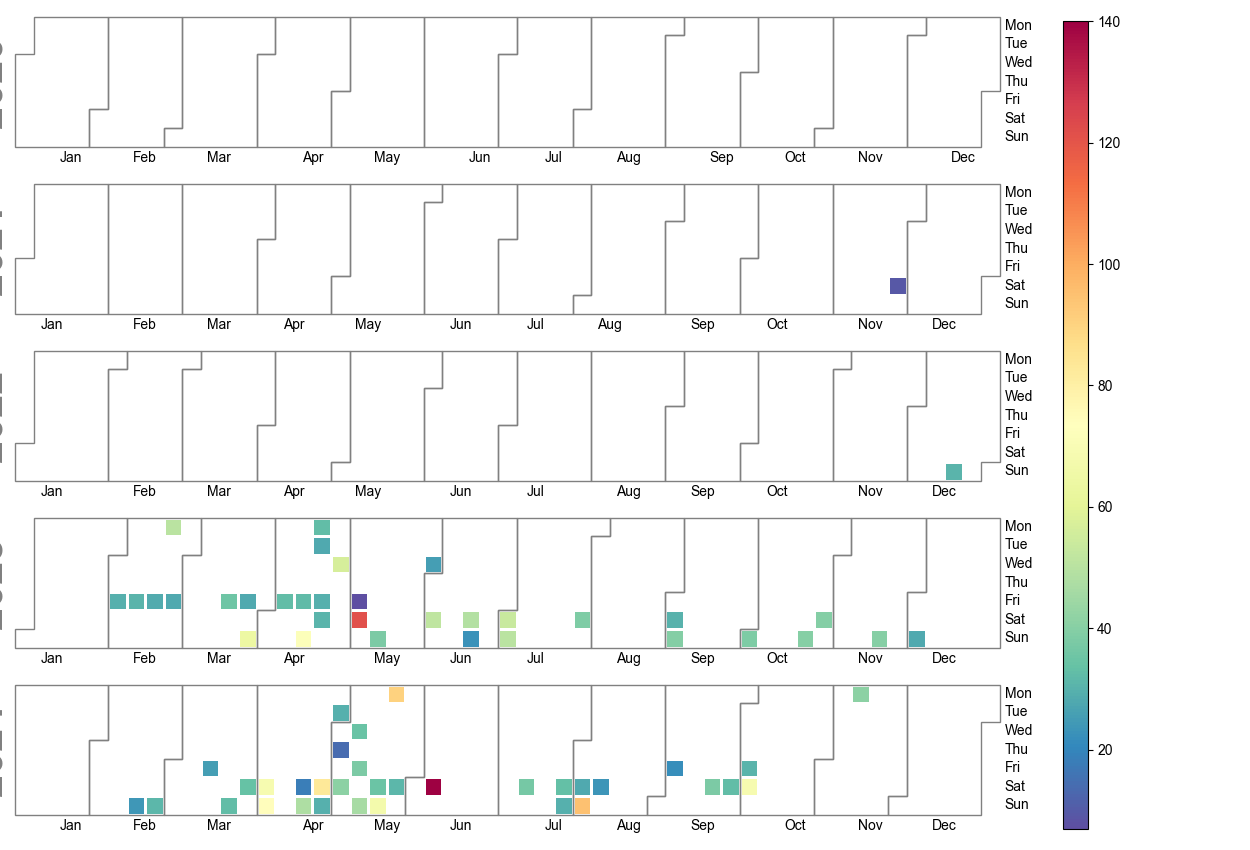
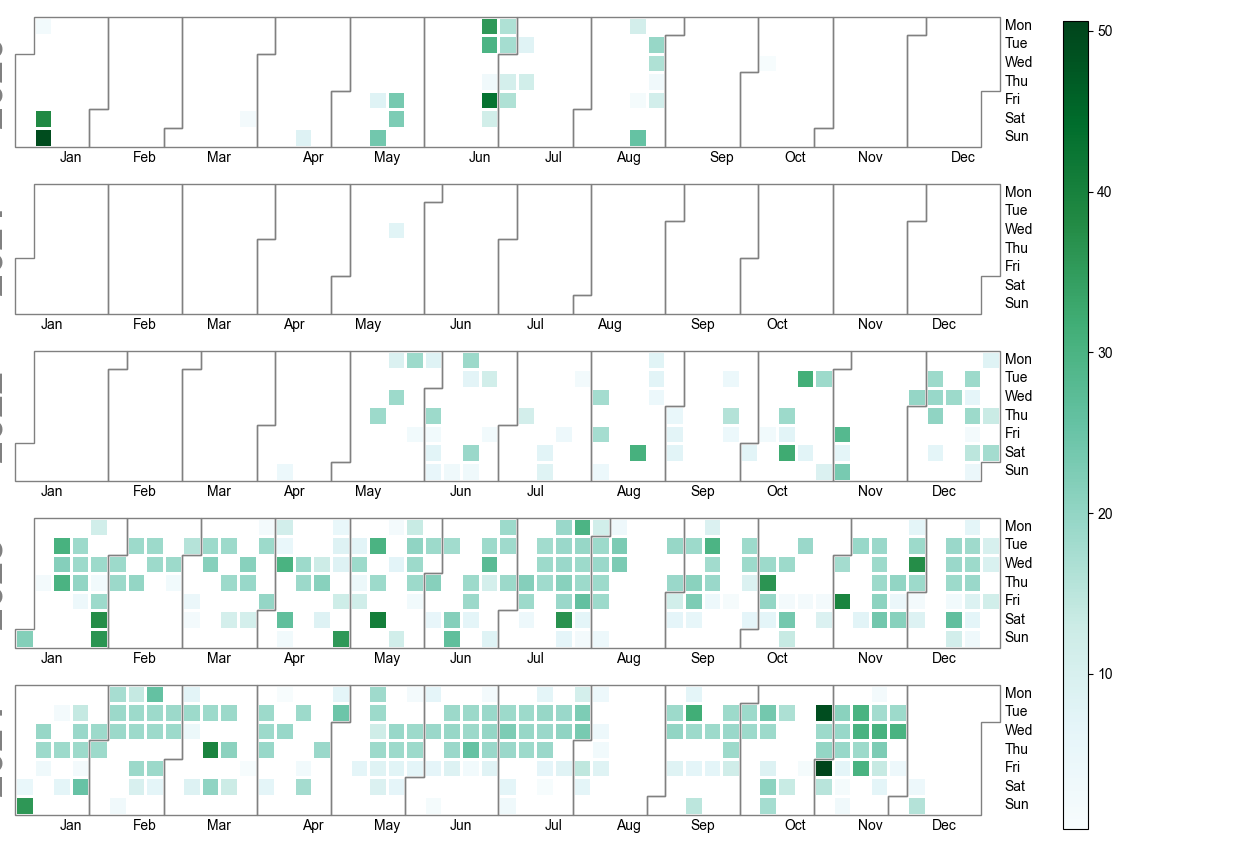
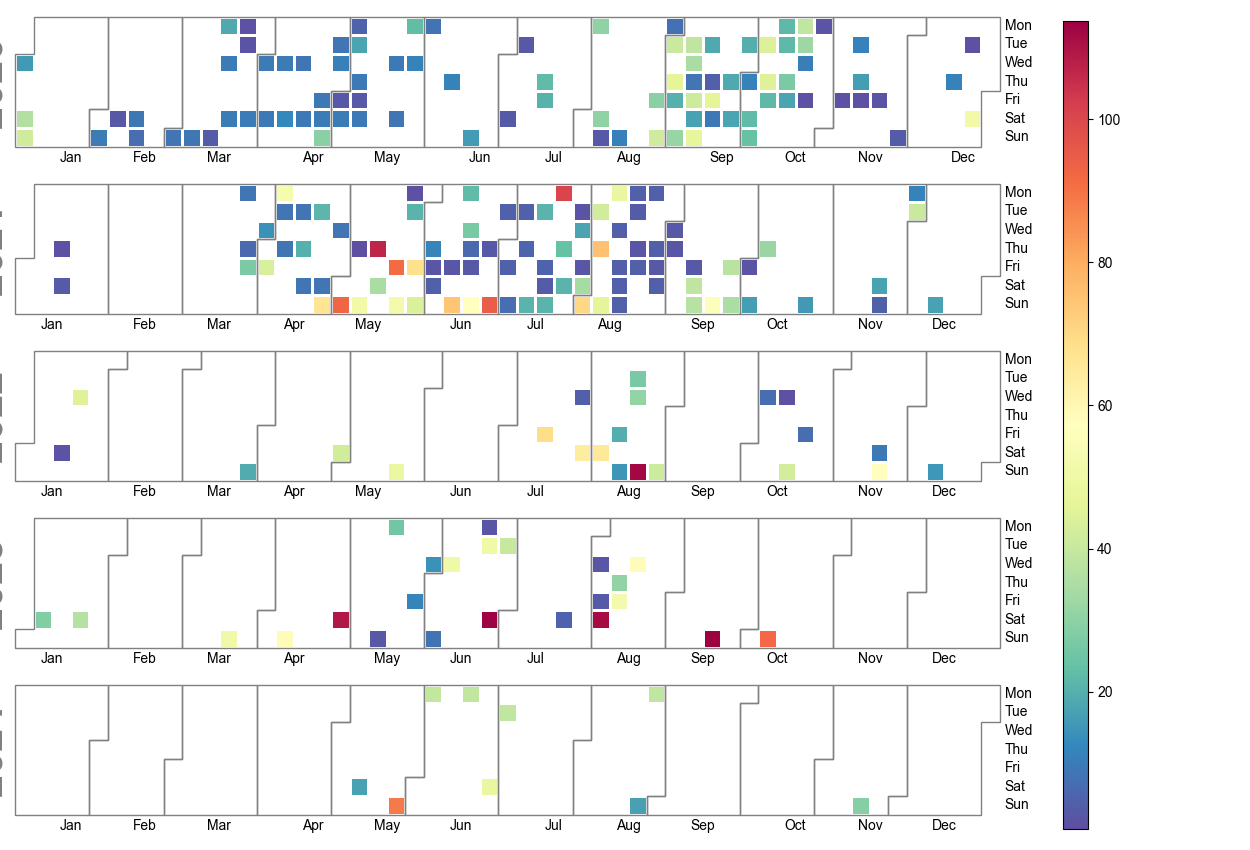
fig = calplot.calplot(df_tem2['km'],
                cmap="BuGn",
                fillcolor="w",
                linecolor="w",
                suptitle_kws=csfont,
                yearlabel_kws={'fontname':'sans-serif'},
                fig_kws=dict(facecolor="w"),
                subplot_kws=dict(facecolor="w"),
                edgecolor="grey")
pylab.savefig('E-Biking.png')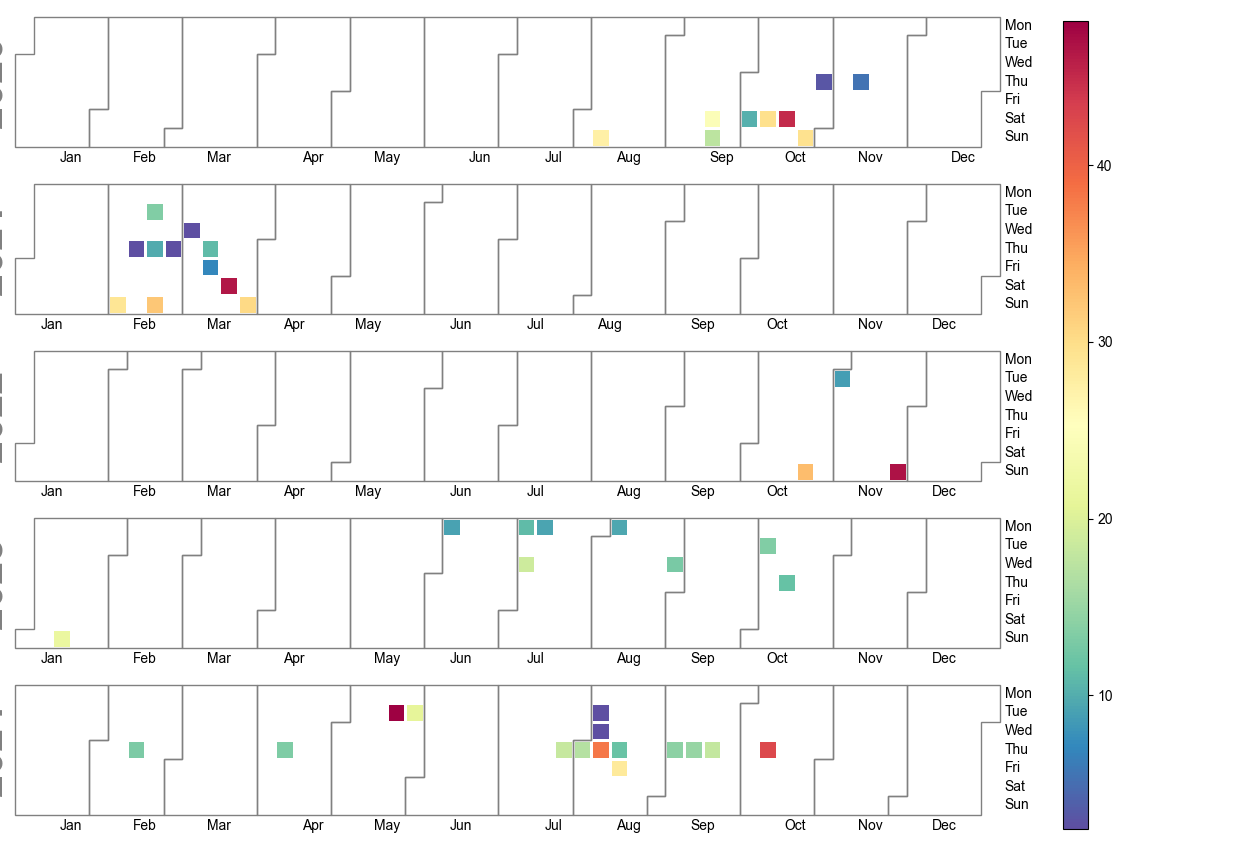
Sur Kali OS j’ai eu cette erreur :
Bad key text.parse_math in file /usr/share/matplotlib/mpl-data/matplotlibrc, line 303 ('text.parse_math: False # Use mathtext if there is an even number of unescaped')
You probably need to get an updated matplotlibrc file from
https://github.com/matplotlib/matplotlib/blob/v3.5.2/matplotlibrc.template
or from the matplotlib source distribution
Traceback (most recent call last):
File "....Test.py", line 31, in <module>
import gradio as gr
File "/usr/local/lib/python3.11/dist-packages/gradio/__init__.py", line 3, in <module>
import gradio._simple_templates
File "/usr/local/lib/python3.11/dist-packages/gradio/_simple_templates/__init__.py", line 1, in <module>
from .simpledropdown import SimpleDropdown
File "/usr/local/lib/python3.11/dist-packages/gradio/_simple_templates/simpledropdown.py", line 6, in <module>
from gradio.components.base import FormComponent
File "/usr/local/lib/python3.11/dist-packages/gradio/components/__init__.py", line 1, in <module>
from gradio.components.annotated_image import AnnotatedImage
File "/usr/local/lib/python3.11/dist-packages/gradio/components/annotated_image.py", line 11, in <module>
from gradio import processing_utils, utils
File "/usr/local/lib/python3.11/dist-packages/gradio/processing_utils.py", line 23, in <module>
from gradio.utils import abspath
File "/usr/local/lib/python3.11/dist-packages/gradio/utils.py", line 38, in <module>
import matplotlib
File "/usr/lib/python3/dist-packages/matplotlib/__init__.py", line 880, in <module>
rcParamsDefault = _rc_params_in_file(
^^^^^^^^^^^^^^^^^^^
File "/usr/lib/python3/dist-packages/matplotlib/__init__.py", line 814, in _rc_params_in_file
config[key] = val # try to convert to proper type or raise
~~~~~~^^^^^
File "/usr/lib/python3/dist-packages/matplotlib/__init__.py", line 650, in __setitem__
raise ValueError(f"Key {key}: {ve}") from None
ValueError: Key grid.color: '"' does not look like a color arg
J’ai donc edité le fichier /usr/share/matplotlib/mpl-data/matplotlibrc pour mettre en commentaire la ligne ( sachant que False ou True on a la même erreur) :
Etape 1 : Installation : https://pypi.org/project/gopro-overlay/
$ python3 -m venv venv
$ venv/bin/pip install gopro-overlay
$ mkdir ~/.gopro-graphics/
$ cat ~/.gopro-graphics/ffmpeg-profiles.json
{
  "overlay": {
    "input": [],
    "output": ["-vcodec", "png"]
  }
}
Etape 2 : Premier test et premier drame
$ venv/bin/gopro-dashboard.py --use-gpx-only --gpx Nextcloud/Pipe/Video/BoucleResideo.gpx 1920x1080 Nextcloud/Pipe/Video/BoucleResideo.mov
Starting gopro-dashboard version 0.100.0
ffmpeg version is 4.4.2-0ubuntu0.22.04.1
Using Python version 3.10.6 (main, May 29 2023, 11:10:38) [GCC 11.3.0]
Traceback (most recent call last):
  File "/home/arias/venv/bin/gopro-dashboard.py", line 107, in
    font = load_font(args.font)
  File "/home/arias/venv/lib/python3.10/site-packages/gopro_overlay/font.py", line 5, in load_font
    return ImageFont.truetype(font=font, size=size)
  File "/home/arias/venv/lib/python3.10/site-packages/PIL/ImageFont.py", line 1008, in truetype
    return freetype(font)
  File "/home/arias/venv/lib/python3.10/site-packages/PIL/ImageFont.py", line 1005, in freetype
    return FreeTypeFont(font, size, index, encoding, layout_engine)
  File "/home/arias/venv/lib/python3.10/site-packages/PIL/ImageFont.py", line 255, in __init__
    self.font = core.getfont(
OSError: cannot open resource
Etape 2b : Avec copie de la “font”
J’ai fait un petit programme pour faire des PNG à l’aide d’un fichier CSV. Le but est de mettre des balises sur Google Picture.
Voici un exemple de fichier CSV :
$ cat list.csv
Nom,Année,Mois,Jours,Lieux,Pays
Deplacement sur Paris,2018,11,01,Paris,France
Deplacement sur Londres,2011,11,01,London,UK
Voici le programme :
from PIL import Image, ImageDraw, ImageFont
import piexif
from datetime import datetime
import csv
from geopy.geocoders import Nominatim
from GPSPhoto import gpsphoto

geolocator = Nominatim(user_agent="Your_Name")

with open('list.csv') as csv_file:
    csv_reader = csv.reader(csv_file, delimiter=',')
    line_count = 0
    for row in csv_reader:
        if line_count == 0:
            line_count += 1
        else:
            name = '%s \n Le %d/%d/%d \n a %s,%s . :' % (str(row[0]),int(row[1]),int(row[2]),int(row[3]),str(row[4]),str(row[5]))
            print('\t %s ' % name)
            line_count += 1
            filename = 'image-%d.jpg' % (line_count)

            img = Image.new('RGB', (1024, 800), color = (73, 109, 137))

            d = ImageDraw.Draw(img)
            fontsize = 80
            font = ImageFont.truetype('/usr/share/fonts/truetype/msttcorefonts/Arial.ttf', fontsize)
            d.text((10,10), name, font=font)
            img.save(filename)

            exif_dict = piexif.load(filename)
            new_date = datetime(int(row[1]), int(row[2]), int(row[3]), 0, 0, 0).strftime("%Y:%m:%d %H:%M:%S")
            exif_dict['0th'][piexif.ImageIFD.DateTime] = new_date
            exif_dict['Exif'][piexif.ExifIFD.DateTimeOriginal] = new_date
            exif_dict['Exif'][piexif.ExifIFD.DateTimeDigitized] = new_date
            exif_bytes = piexif.dump(exif_dict)
            piexif.insert(exif_bytes, filename)
            address= '%s,%s' % (row[4], row[5])
            location = geolocator.geocode(address)
            print('\t\t %f %f %d' % (location.latitude, location.longitude, location.altitude))
            photo = gpsphoto.GPSPhoto(filename)
            info = gpsphoto.GPSInfo((location.latitude, location.longitude), alt=int(location.altitude), timeStamp=new_date)
            photo.modGPSData(info, filename)

    print('Processed %d lines.' % line_count)
Pour qu’il fonctionne il faut avoir installé :
Je me suis fait des doublons de fichiers dans mes photos, heureusement Python c’est simple et convivial :
import os
import sys
import re
import PIL
from PIL import Image

walk_dir = "./Nextcloud/Photos/"

print('walk_dir = ' + walk_dir)
print('walk_dir (absolute) = ' + os.path.abspath(walk_dir))

for root, subdirs, files in os.walk(walk_dir):
    list_file_path = os.path.join(root, 'my-directory-check.txt')
    print('list_file_path = ' + list_file_path)
    with open(list_file_path, 'wb') as list_file:
        #for subdir in subdirs:
        #   print('\t- subdirectory ' + subdir)
        for filename in files:
            file_path = os.path.join(root, filename)
            # print('\t- file %s (full path: %s)' % (filename, file_path))
            base = os.path.splitext(filename)[0]
            if (base.endswith('_1')):
                    #print('\t- Doublon probable %s %s (full path: %s)' % (filename, base, file_path))
                    double = re.sub('_1$', '', base)
                    double = double + '.jpg'
                    double2 = re.sub('_1$', '', base)
                    double2 = double2 + '.JPG'
                    file_path_double = os.path.join(root, double)
                    file_path_double2 = os.path.join(root, double2)
                    if os.path.isfile(file_path_double):
                        #print('\t- Doublon OK %s & %s' % (file_path, file_path_double))
                        img1 = PIL.Image.open(file_path)
                        img2 = PIL.Image.open(file_path_double)
                        wid1, hgt1 = img1.size
                        wid2, hgt2 = img2.size
                        if (wid1 == wid2) and (hgt1 == hgt2):
                            #print('Meme resolution')
                            size1 = os.path.getsize(file_path)
                            size2 = os.path.getsize(file_path_double)
                            if (size1 > size2):
                                    print("%s > %s" % (file_path, file_path_double));
                                    os.remove(file_path_double);
                            else:
                                    print("%s < %s" % (file_path, file_path_double));
                                    os.remove(file_path);
                    elif os.path.isfile(file_path_double2):
                        img1 = PIL.Image.open(file_path)
                        img2 = PIL.Image.open(file_path_double2)
                        wid1, hgt1 = img1.size
                        wid2, hgt2 = img2.size
                        if (wid1 == wid2) and (hgt1 == hgt2):
                            #print('Meme resolution')
                            size1 = os.path.getsize(file_path)
                            size2 = os.path.getsize(file_path_double2)
                            if (size1 > size2):
                                    print("%s > %s" % (file_path, file_path_double2));
                                    os.remove(file_path_double2);
                            else:
                                    print("%s < %s" % (file_path, file_path_double2));
                                    os.remove(file_path);
Ensuite pour faire un clean des fichiers txt :
J’ai enfin mon process complet, pour compter les cyclistes et flouter les visages dans la vidéo :
Etape 1 : Faire la vidéo avec la GoPRO.
Metadata:
major_brand : mp42
minor_version : 0
compatible_brands: mp42isomavc1
creation_time : 2020-10-04T13:52:54.000000Z
encoder : HandBrake 0.9.8 2012071800
Duration: 00:01:51.44, start: 0.000000, bitrate: 6813 kb/s
Stream #0:0(und): Video: h264 (Main) (avc1 / 0x31637661), yuv420p(tv, bt709), 1280x720 [SAR 1:1 DAR 16:9], 6810 kb/s, 23.98 fps, 23.98 tbr, 90k tbn, 180k tbc (default)
Metadata:
creation_time : 2020-10-04T13:52:54.000000Z
encoder : JVT/AVC Coding
Etape 2 : Passer Jupyter Notebook, Python3, Tensorflow, OpenCV.
J’ai téléchargé https://github.com/hay/facetool afin de faire la modification des visages via une commande du type :
./facetool.py swap -i smiley.jpg -t output-bicyle.mp4 -o swap-bicyle.mp4
D’abord j’ai eu un premier problème que j’ai fixé ainsi : cd /usr/lib/python3/dist-packages sudo cp apt_pkg.cpython-36m-x86_64-linux-gnu.so apt_pkg.so
Et maintenant j’ai un bug dans le programme :
No faces found, could not swap (Faceswapping smiley.jpg on head-tmp-jdrmcn3j/2357.jpg, saving to out-tmp-jdrmcn3j/2357.jpg)
100%|███████████████████████████████████████████████████████████████████▉| 2671/2672 [25:15<00:00, 2.30it/s]
No faces found, could not swap (Faceswapping smiley.jpg on head-tmp-jdrmcn3j/1180.jpg, saving to out-tmp-jdrmcn3j/1180.jpg)
Traceback (most recent call last):
File "./facetool.py", line 591, in <module>
main(args)
File "./facetool.py", line 565, in main
swapper.swap_image_to_video(args.target, args.input, args.output)
File "./github/facetool/facetool/swapper.py", line 206, in swap_image_to_video
combineframes(self.tempdirs.out, out)
File "./github/facetool/facetool/media.py", line 49, in combineframes
first_file = list(glob(f"{inp}/*"))[0]
IndexError: list index out of range
Bref j’ai l’impression que cela ne détecte aucun visage :





