
J’ai fait le changement du disque dur d’origine Hitachi : HDD 5K750-500 P/N : H2T500854S (5400 RPM), par un disque dur https://www.rueducommerce.fr/produit/crucial-mx300-1-to-sata-iii-26229992/offre-64120702 : CRUCIAL- MX300 1050 Go avec adaptateur 9.5 mm à 280 Euros ( SSD interne 1050 Go - 2,5’’ - 7 mm - SATA III (6 Gb/s) ). Avec la livraison on va dire 300 Euros pour arrondir.
Si je regarde dans les logs systèmes : /var/log/system.log :
Je suis donc passé de 2min10sec. entre ses deux logs à 53 sec. C’est énorme ! J’ai gagné plus de 50% en performance. Toutes les applications sont plus fluides, c’est vraiment rentable !
Si vous tapez la commande suivante pour savoir quel est le process qui écrit le plus dans system.log :
cat /var/log/system.log | awk '{print $5}' | grep '\[' | sed 's/\[/ /g' | awk '{print $1}' | sort -n | uniq -c | sort -n | tail
  86 suhelperd
  88 KiesAgent
 262 loginwindow
 266 syslogd
 277 GoProMediaService
 688 ksfetch
 741 GoogleSoftwareUpdateAgent
 903 GoogleSoftwareUpdateDaemon
1672 imagneto_d
1695 com.apple.xpc.launchd
La pollution vient de imagneto_d ( iMagneto : http://imagneto.sourceforge.net/ ) et de GoogleSoftwareUpdate …. je trouve que passer un certain nombre de ligne c’est de l’abus.
J’ai dans le fichier /var/log/system.log (syslog) sans arrêt l’erreur : com.apple.xpc.launchd[1] (com.apple.imfoundation.IMRemoteURLConnectionAgent): Unknown key for integer: _DirtyJetsamMemoryLimit
Pour information : “IMRemoteURLConnectionAgent - help: IMRemoteURLConnectionAgent.xpc is part of Apple’s messaging/chat services. (I don’t want apple chat or messages or facetime) “.
Par contre je n’arrive pas à savoir d’où cela vient. Sur google j’ai pu trouver : “This error message is because the code is shared between OSX and iOS but the _DirtyJetsamMemoryLimit key is only available on iOS.”. Bizarre …
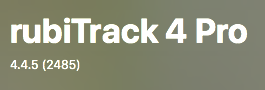
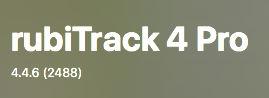 Le problème que je veux fixer avec la mise à jours :
rubiTrack 4 Pro[1662]: assertion failed: 17D47: libxpc.dylib + 72637 [F7E5F1BC-614B-39CB-B6CE-92A9C7B7EC0B]: 0x89
rubiTrack 4 Pro[1662]: BUG in libdispatch client: kevent[mach_recv] monitored resource vanished before the source cancel handler was invoked
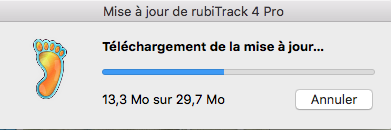
Logs de la mise à jour :
rubiTrack 4 Pro[2819]: Sparkle: ===== rubiTrack 4 Pro.app =====
rubiTrack 4 Pro[2819]: Sparkle: Extracting /Users/..../Library/Caches/com.shiftoption.rubitrack4/Sparkle/rubiTrack 4 Pro 2488/rubiTrack-4.4.6_u.dmg as a DMG
...
rubiTrack 4 Pro[2819]: Sparkle: copyItemAtPath:/Volumes/E2268C4D-550F-4A3D-BC58-990C0DEF27D2/rubiTrack 4 Pro.app toPath:/Users/.../Library/Caches/com.shiftoption.rubitrack4/Sparkle/rubiTrack 4 Pro 2488/rubiTrack 4 Pro.app
A suivre.
Et pan sur le nez … longtemps j’ai pensé que cet anti-virus était totalement inutile sous Mac OSX. Et je dois dire que ce n’est pas le cas ! J’ai mis en place la version 3.10 :
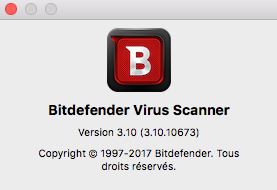
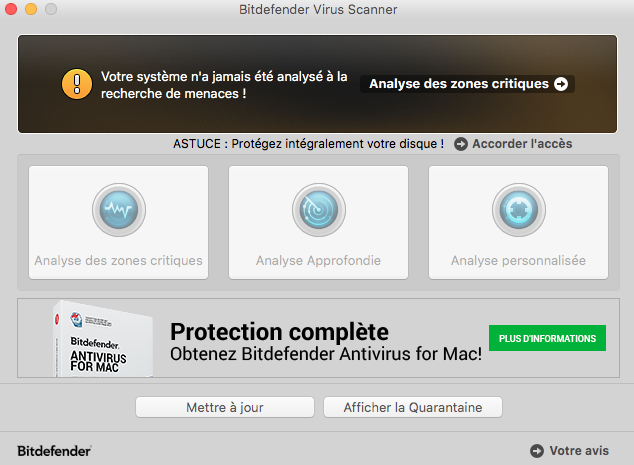
Et il y a eu de nombreux virus trouvés, surtout sur Firefox et Chrome … mais aussi dans les emails.
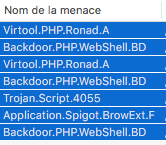
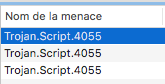
Je ne fais pas la liste mais il y avait :
Trojan.Script.4055.
Virtool.PHP.Ronad.A
Je viens de voir qu’il y avait une tache de fond “imagneto_d” toute les minutes. J’ai donc dans /var/log/system.log :
.... imagneto_d[72]: - checking data file at path : /Users/Username/Library/Application Support/iMagneto/imagneto.calendar.plist
.... imagneto_d[72]: - tmpDate is : 2010-11-24 19:29:08 +0000
.... imagneto_d[72]: - nextDateChange : 2010-11-24 19:29:08 +0000
.... imagneto_d[72]: - tmpDate is : 2010-11-24 19:29:09 +0000
En faisant des recherches j’ai pu voir que c’était dans le fichier /Library/Preferences/SystemConfiguration/com.apple.AutoWake.plist .
<?xml version="1.0" encoding="UTF-8"?>
<!DOCTYPE plist PUBLIC "-//Apple//DTD PLIST 1.0//EN" "http://www.apple.com/DTDs/PropertyList-1.0.dtd">
<plist version="1.0">
<dict>
 <key>WARNING</key>
 <string>Do not edit this file by hand. It must remain in sorted-by-date order.</string>
 <key>poweron</key>
 <array>
 <dict>
 <key>appPID</key>
 <integer>74</integer>
 <key>eventtype</key>
 <string>poweron</string>
 <key>scheduledby</key>
 <string>imagneto_d</string>
 <key>time</key>
 <date>2010-11-24T19:27:08Z</date>
 </dict>
 </array>
 <key>wake</key>
 <array>
 <dict>
 <key>appPID</key>
 <integer>72</integer>
 <key>eventtype</key>
 <string>wake</string>
 <key>scheduledby</key>
 <string>imagneto_d</string>
 <key>time</key>
 <date>2010-11-24T19:27:08Z</date>
 </dict>
 </array>
</dict>
</plist>
J’ai donc fait une modification sur le fichier pour supprimer cette taches. A noter aussi que le fichier imagneto.calendar.plist contient :
La version de iPhoto : Version 3.0 (3251.12.190).
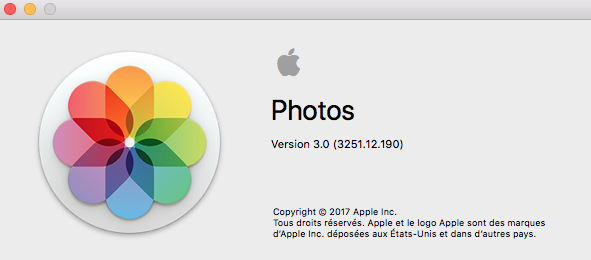
L’état des lieux de la Librairie :
  0B	Pictures/Bibliothèque Photos.photoslibrary/Attachments
  0B	Pictures/Bibliothèque Photos.photoslibrary/Masks
 25G	Pictures/Bibliothèque Photos.photoslibrary/Masters
  0B	Pictures/Bibliothèque Photos.photoslibrary/Plugins
4,0K	Pictures/Bibliothèque Photos.photoslibrary/ProjectDBVersion.plist
3,7M	Pictures/Bibliothèque Photos.photoslibrary/Projects.db
540M	Pictures/Bibliothèque Photos.photoslibrary/database
4,0K	Pictures/Bibliothèque Photos.photoslibrary/iPhotoLock.data
3,4G	Pictures/Bibliothèque Photos.photoslibrary/private
 23G	Pictures/Bibliothèque Photos.photoslibrary/resources
1,8G	Pictures/Bibliothèque Photos.photoslibrary/.upgradedatabase/
Je n’ai pas réussi à comprendre pourquoi il y avait un répertoire .upgradedatabase/ .
J’ai essayé de réparer la librairie afin de diminuer la taille. Je suis sortie de iPhoto et j’ai fait Option-Command + Double clic pour lancer une réparation.
C’est la misère suite a cette mise à jours ( macOS High Sierra 10.13.2 ) :
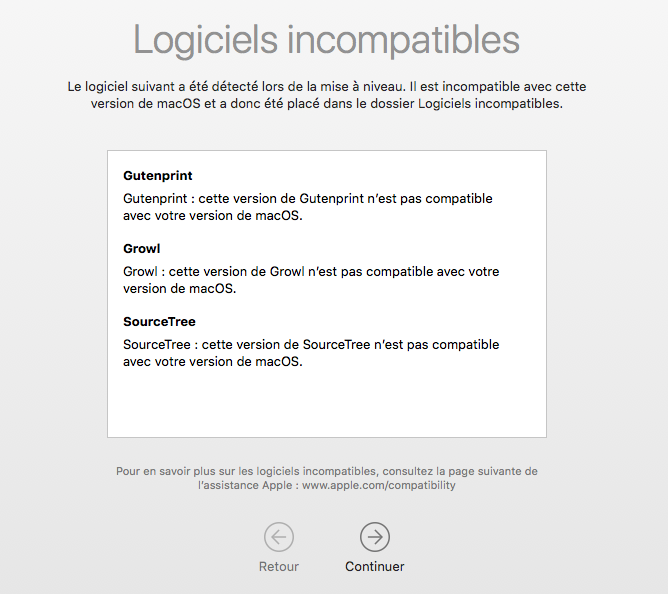
Adieu : Gutenprint, Growl, SourceTree … Le lien d’Apple sur les mises à jours : https://support.apple.com/fr-fr/HT201222 .
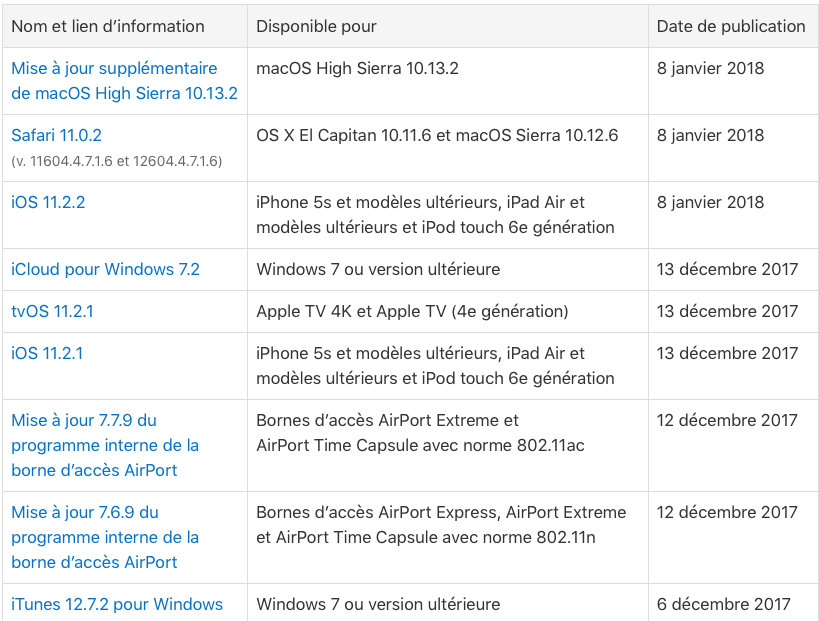
Les étapes pour l’installation de ADB afin d’avoir un shell sous Android via le Mac. C’est pour faire suite à mon article https://www.cyber-neurones.org/2018/01/asus-zenfone-applications-de-mauvaises-qualites/ , et mieux savoir où sont les 25 Go de mémoire interne. Il y a baleine sous gravillon….
Etape n°1 : Installation de Homebrew ( à noter que j’ai ruby sur mon Mac OS )
ruby -e "$(curl -fsSL https://raw.githubusercontent.com/Homebrew/install/master/install)"Etape n°2 : Mise à jour de Xcode :






