Je viens de voir qu’il y avait quelques problèmes sur mon installation :
# sudo -u www-data php /usr/share/nginx/nextcloud/occ db:add-missing-indices
Check indices of the share table.
Check indices of the filecache table.
Check indices of the twofactor_providers table.
Check indices of the login_flow_v2 table.
Check indices of the whats_new table.
Check indices of the cards table.
Check indices of the cards_properties table.
Check indices of the calendarobjects_props table.
Check indices of the schedulingobjects table.
Check indices of the oc_properties table.
Adding properties_path_index index to the oc_properties table, this can take some time...
oc_properties table updated successfully.sudo -u www-data php /usr/share/nginx/nextcloud/occ db:add-missing-columns
Check columns of the comments table.
Adding additional reference_id column to the comments table, this can take some time...
Comments table updated successfully.# sudo add-apt-repository ppa:ondrej/php
...
# sudo apt-get update
...
# sudo apt install php7.3
....
Les paquets supplémentaires suivants seront installés :
libapache2-mod-php7.3 libpcre2-8-0 php-common php7.3-cli php7.3-common php7.3-json php7.3-opcache
php7.3-readline
Paquets suggérés :
php-pear
Les NOUVEAUX paquets suivants seront installés :
libapache2-mod-php7.3 libpcre2-8-0 php7.3 php7.3-cli php7.3-common php7.3-json php7.3-opcache
php7.3-readline
...
# sudo apt install php7.3-common php7.3-cli php7.3-bcmath php7.3-bz2 php7.3-curl php7.3-gd php7.3-intl php7.3-json php7.3-mbstring php7.3-readline php7.3-xml php7.3-zip php7.3-fpm
...
NOTICE: Not enabling PHP 7.3 FPM by default.
NOTICE: To enable PHP 7.3 FPM in Apache2 do:
NOTICE: a2enmod proxy_fcgi setenvif
NOTICE: a2enconf php7.3-fpm
NOTICE: You are seeing this message because you have apache2 package installed.
# sudo apt-get install php7.3-mysql php7.3-imagick php7.3-recode php7.3-tidy php7.3-xmlrpc
# sudo a2dismod php7.2
Module php7.2 disabled.
To activate the new configuration, you need to run:
systemctl restart apache2
# sudo a2enmod php7.3
Considering dependency mpm_prefork for php7.3:
Considering conflict mpm_event for mpm_prefork:
Considering conflict mpm_worker for mpm_prefork:
Module mpm_prefork already enabled
Considering conflict php5 for php7.3:
Enabling module php7.3.
To activate the new configuration, you need to run:
systemctl restart apache2
# sudo systemctl restart apache2
# sudo a2enmod proxy_fcgi setenvif
Considering dependency proxy for proxy_fcgi:
Enabling module proxy.
Enabling module proxy_fcgi.
Module setenvif already enabled
To activate the new configuration, you need to run:
systemctl restart apache2
$ sudo a2enconf php7.3-fpm
Enabling conf php7.3-fpm.
To activate the new configuration, you need to run:
systemctl reload apache2
$ php -v
PHP 7.3.21-1+ubuntu18.04.1+deb.sury.org+1 (cli) (built: Aug 7 2020 14:44:10) ( NTS )
Copyright (c) 1997-2018 The PHP Group
Zend Engine v3.3.21, Copyright (c) 1998-2018 Zend Technologies
with Zend OPcache v7.3.21-1+ubuntu18.04.1+deb.sury.org+1, Copyright (c) 1999-2018, by Zend Technologies# sudo apt install php7.3-bcmath# sudo apt install php7.3-gm# ls -l /run/php/php7.*
-rw-r--r-- 1 root root 4 août 24 13:07 /run/php/php7.2-fpm.pid
srw-rw---- 1 www-data www-data 0 août 24 13:07 /run/php/php7.2-fpm.sock
-rw-r--r-- 1 root root 5 août 31 11:26 /run/php/php7.3-fpm.pid
srw-rw---- 1 www-data www-data 0 août 31 11:26 /run/php/php7.3-fpm.sock
# sudo systemctl start php7.3-fpm
# sudo systemctl enable php7.3-fpm
# diff /etc/php/7.3/fpm/php.ini /etc/php/7.2/fpm/php.ini | grep -v "< ;" | grep -v "> ;" | grep -v "\-\-\-"
...
< output_buffering = 4096 > output_buffering = 8192
...
< max_execution_time = 30 > max_execution_time = 600
...
< max_input_time = 60 > max_input_time = 600
...
< memory_limit = 128M > memory_limit = 2048M
...
< display_errors = Off > display_errors = On
...
< display_startup_errors = Off > display_startup_errors = On
...
< log_errors_max_len = 1024 > log_errors_max_len = 4024
...
< ignore_repeated_errors = Off > ignore_repeated_errors = On
...
< post_max_size = 8M > post_max_size = 20M
...
< upload_max_filesize = 2M > upload_max_filesize = 40M
...
< max_file_uploads = 20 > max_file_uploads = 100
...
< default_socket_timeout = 60 > default_socket_timeout = 600
...
< session.cache_expire = 180 > session.cache_expire = 320Fichier /etc/nginx/conf.d/nextcloud-local.conf et /etc/nginx/conf.d/nextcloud.conf :
J’ai eu l’erreur : “server reached pm.max_children setting (5), consider raising it” dans les fichiers de logs /var/log/php7.2-fpm.log.
Mes fichiers de logs pour Nextcloud ( configuration via NGinx ) :
- /var/log/php7.2-fpm.log : PHP . - /var/log/nginx/nextcloud.error & /var/log/nginx/nextcloud.access : NGINX . - /var/log/nextcloud.log : Nextcloud. - /usr/share/nginx/nextcloud/data/nextcloud.log : Nextcloud. - /usr/share/nginx/nextcloud/data/audit.log : Nextcloud. - /usr/share/nginx/nextcloud/data/updater.log : Nextcloud.
Pour supprimer l’erreur j’ai modifié le fichier de configuration :
# cat /etc/php/7.2/fpm/pool.d/www.conf | grep -v "^;" | grep -v "^$"
[www]
user = www-data
group = www-data
listen = /run/php/php7.2-fpm.sock
listen.owner = www-data
listen.group = www-data
pm = dynamic
pm.max_children = 50
pm.start_servers = 10
pm.min_spare_servers = 5
pm.max_spare_servers = 10
env[PATH] = /usr/local/bin:/usr/bin:/bin
Je suis donc passé de 5 à 50 … je pense que le problème ne devrait plus apparaitre.
Pour supprimer ce type d’erreur :
[error] 2239#2239: *454376 access forbidden by rule, client: 127.0.0.1, server: 127.0.0.1, request: "GET /data/.ocdata?t=1591823240128 HTTP/1.1", host: "127.0.0.1"J’ai modifié la configuration de NGINX. Sur les fichiers /etc/nginx/conf.d/nextcloud-local.conf & /etc/nginx/conf.d/nextcloud.conf . J’ai ajouté :
    location = /data/htaccesstest.txt {
    allow all;
    log_not_found off;
    access_log off;
    }
    location = /data/\.ocdata {
    access_log off;
    }
Pour relancer :
systemctl restart nginx.serviceJ’ai choisit de mettre dans le fichier de configuration : /usr/share/nginx/nextcloud/config/config.php
'memcache.local' => '\OC\Memcache\APCu',Pour que cela fonctionne il faut installer la bonne librairie en PHP :
$ sudo apt-get install php-apcu
...
$ sudo systemctl restart php7.2-fpm.serviceQuand on a l’erreur “504 Gateway Time-out’ … le mieux est de faire avec les lignes de commandes :
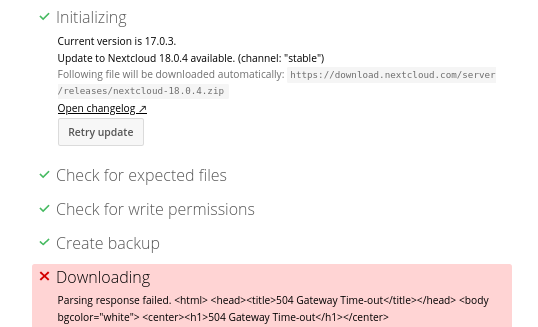
$ sudo -u www-data php /usr/share/nginx/nextcloud/updater/updater.phar
Nextcloud Updater - version: v16.0.3-3-ga0c2b25 dirty

Current version is 18.0.4.

Update to Nextcloud 18.0.4 available. (channel: "stable")
Following file will be downloaded automatically: https://download.nextcloud.com/server/releases/nextcloud-18.0.4.zip
Open changelog ↗

Steps that will be executed:
[✔] Check for expected files
[✔] Check for write permissions
[✔] Create backup
[✔] Downloading
[✔] Verify integrity
[✔] Extracting
[✔] Enable maintenance mode
[✔] Replace entry points
[✔] Delete old files
[✔] Move new files in place
[✔] Done

Continue update? [y/N] y

Info: Pressing Ctrl-C will finish the currently running step and then stops the updater.

[✔] Check for expected files
[✔] Check for write permissions
[✔] Create backup
[✔] Downloading
[✔] Verify integrity
[✔] Extracting
[✔] Enable maintenance mode
[✔] Replace entry points
[✔] Delete old files
[✔] Move new files in place
[✔] Done

Update of code successful.

Should the "occ upgrade" command be executed? [Y/n] Y
Nextcloud or one of the apps require upgrade - only a limited number of commands are available
You may use your browser or the occ upgrade command to do the upgrade
2020-06-01T19:21:53+02:00 Set log level to debug
....
$ sudo -u www-data php /usr/share/nginx/nextcloud/occ maintenance:mode --off
Maintenance mode disabledJ’ai eu l’erreur : Table ‘nextcloud.oc_external_mounts’ doesn’t exist , pour fixer le problème j’ai fait :
Pour avoir l’erreur j’ai modifié le fichier /usr/share/nginx/nextcloud/config/config.php :
  'installed' => true,
  'maintenance' => false,
  'theme' => '',
  'debug' => true,
  'loglevel' => '2',
  'logtimezone' => 'Europe/Paris',
  'log_type' => 'owncloud',
  'logfile' => '/var/log/nextcloud.log',
  'log_rotate_size' => '104857600',
Pour le fix du problème :
$ sudo -u www-data php /usr/share/nginx/nextcloud/occ maintenance:repair
...
$ sudo -u www-data php /usr/share/nginx/nextcloud/occ upgrade
Nextcloud is already latest version
$ sudo -u www-data php /usr/share/nginx/nextcloud/occ  app:enable files_external
files_external enabled
$ sudo -u www-data php /usr/share/nginx/nextcloud/occ upgrade
Nextcloud is already latest version
A noter que j’ai aussi modifier la configuration de PHP : /etc/php/7.2/fpm/php.ini
My script to rename tacitpart file :
#!/bin/bash

# ARIAS Frederic
#
# For MAC OS do
#

suffix=".tacitpart"
path="WebDAV"

for file in $path/*.tacitpart
do
    if [[ -f $file ]]; then
	filenew=$(basename $file $suffix)
        echo $file" -> "$filenew
	mv $file $path/$filenew
	touch $path/$filenew
    fi
done

#
for file in $path/.resource/*.tacitpart
do
    if [[ -f $file ]]; then
	$filenew = ${file/%$suffix}
        echo $file." -> ".$filenew
        mv $file $path/.resource/$filenew
        touch $path/.resource/$filenew
    fi
doneJ’ai fait l’installation de 14/01/2012 et depuis je n’ai jamais eu aucun problème. Cela fait 7 ans qui tourne sans aucun problème. Avec presque 3 To d’espace.
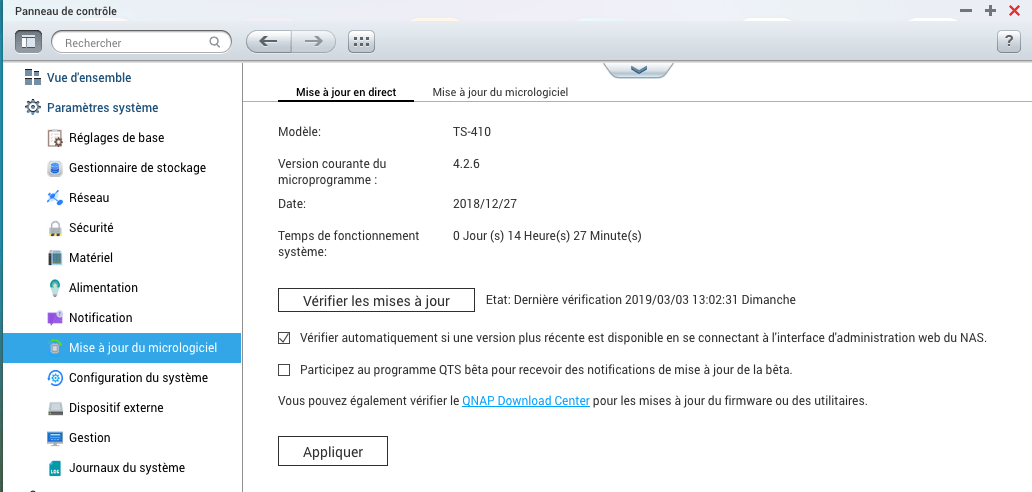
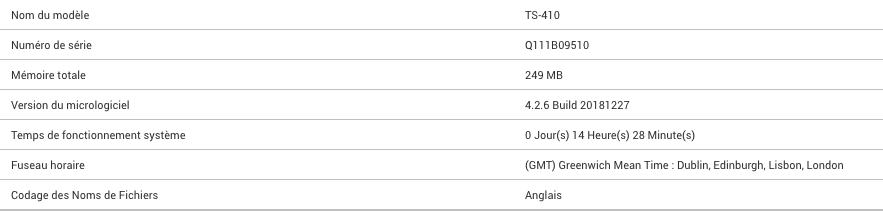
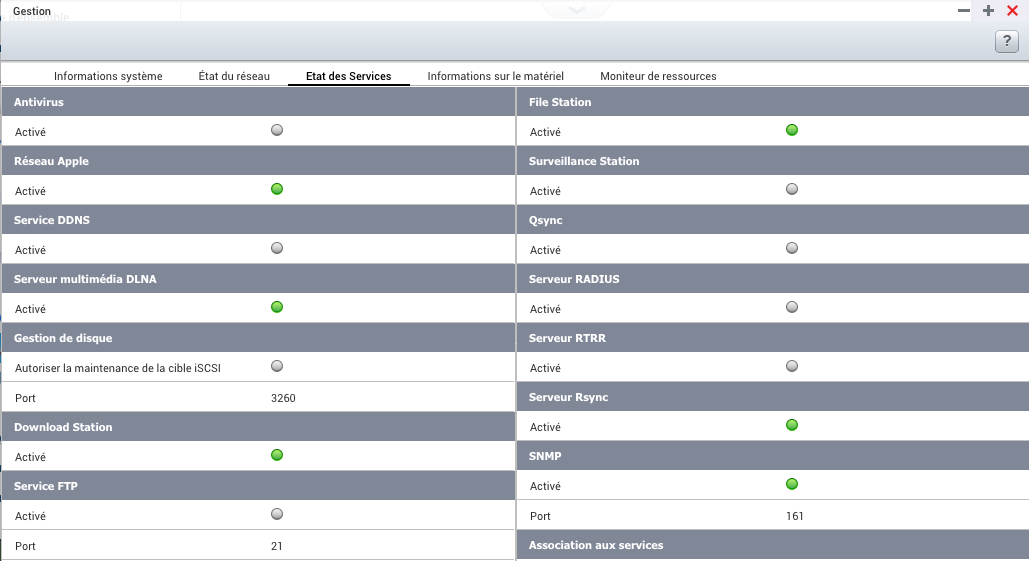
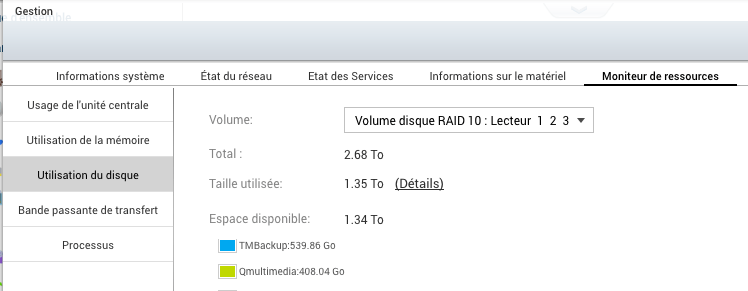
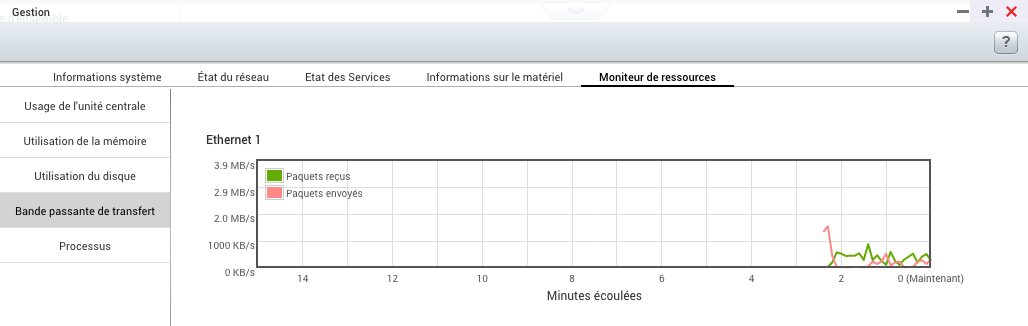
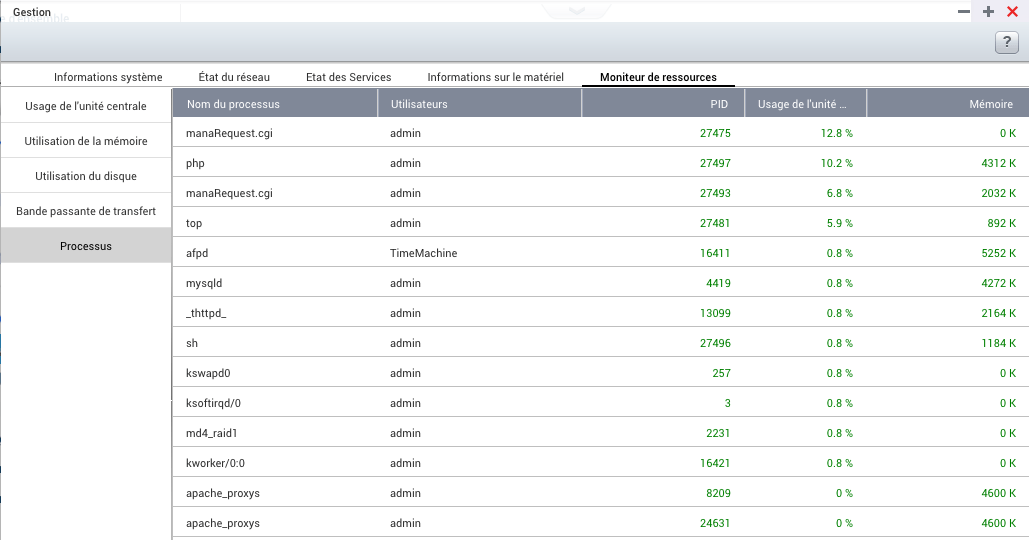
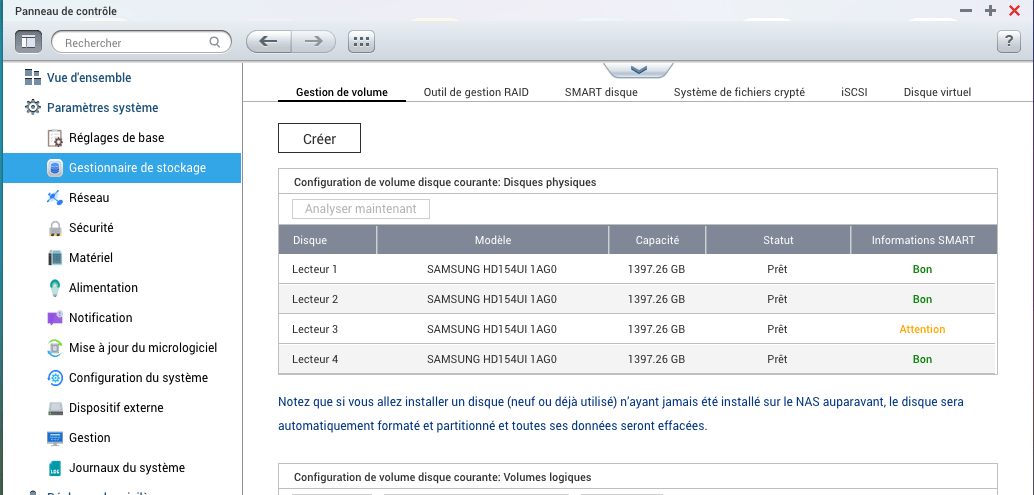
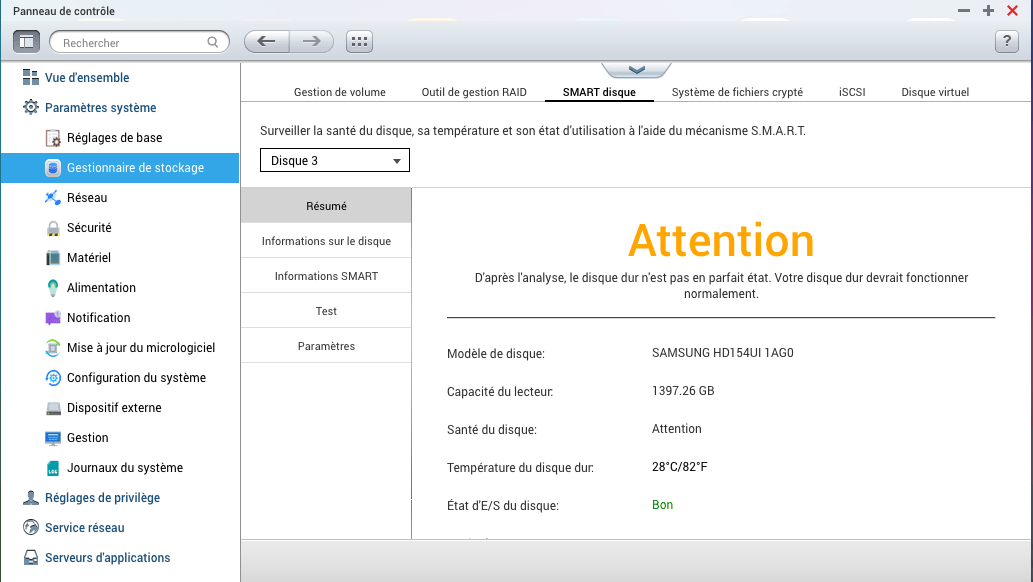
Et j’ai seulement maintenant un problème sur un disque dur :
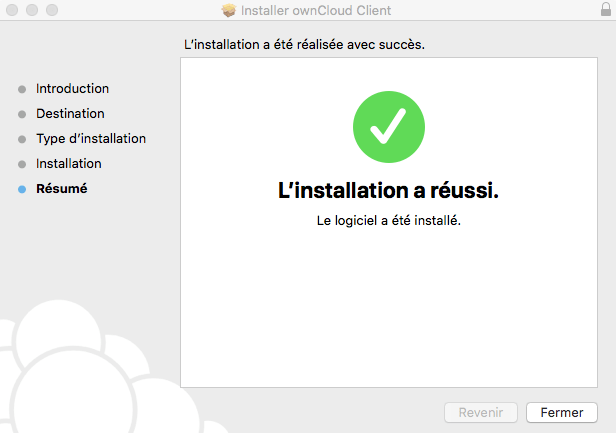
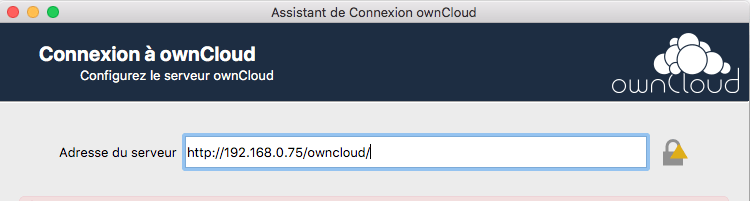
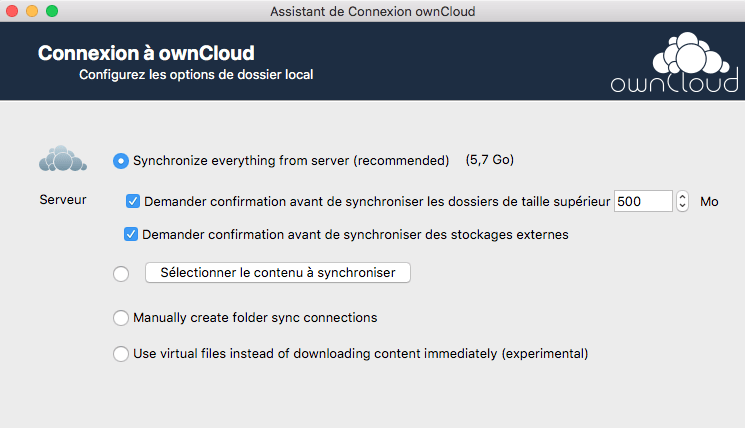
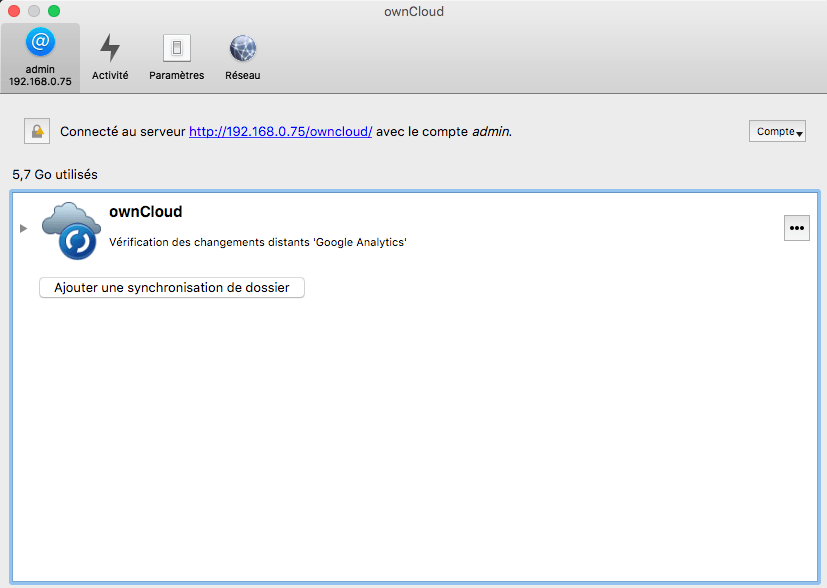
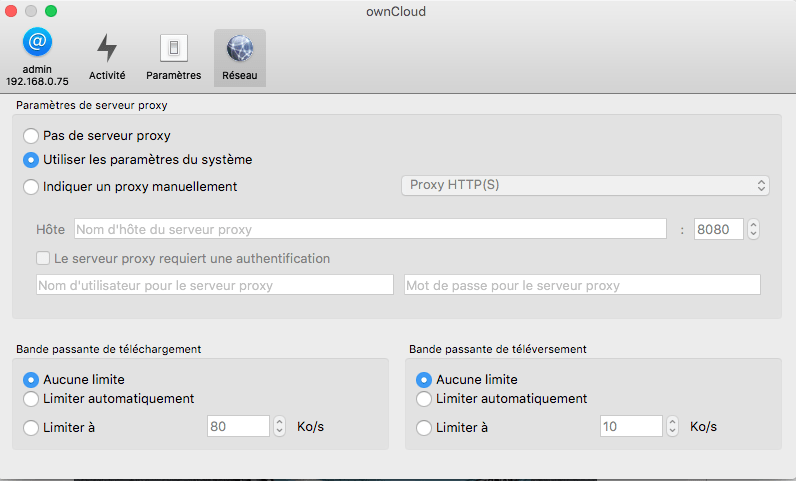
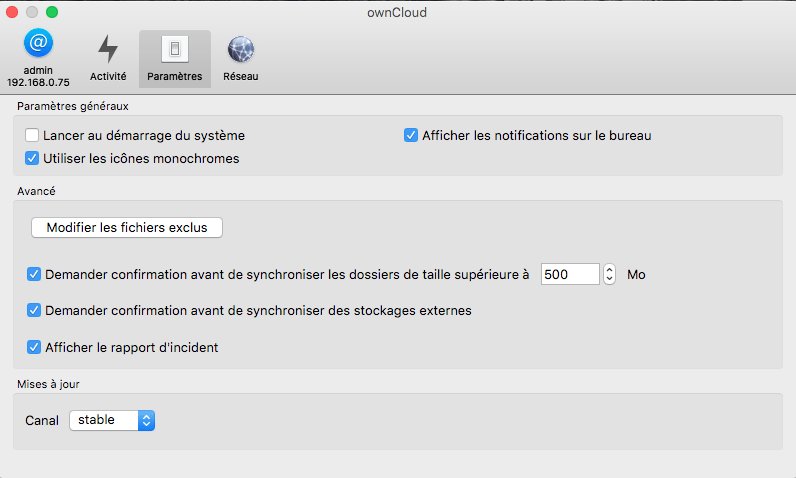
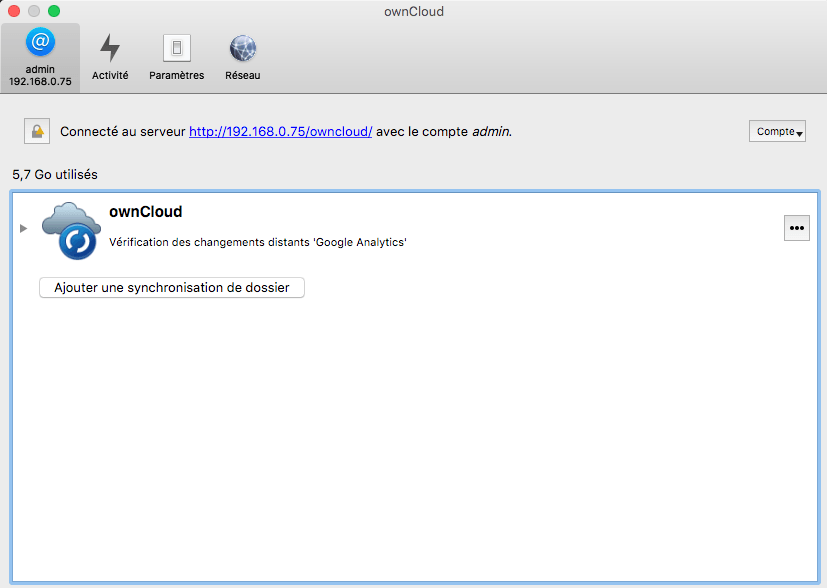
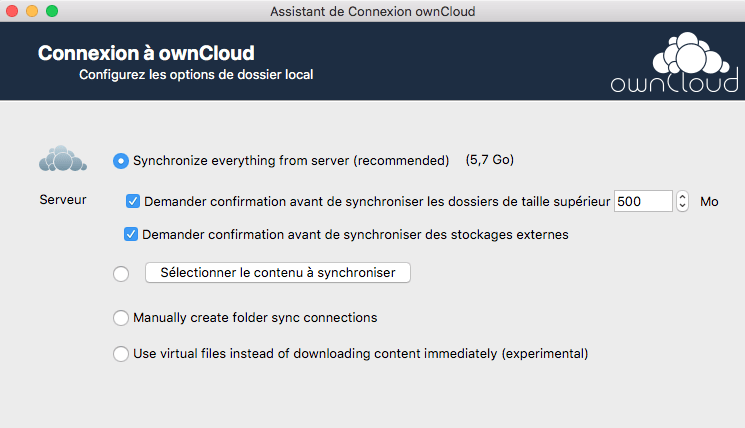
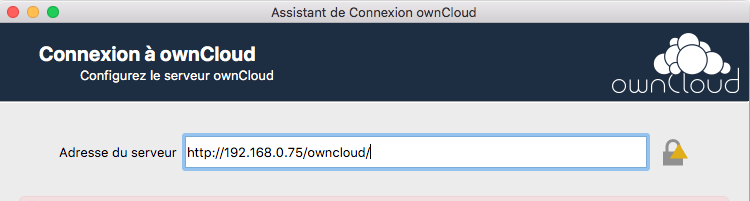
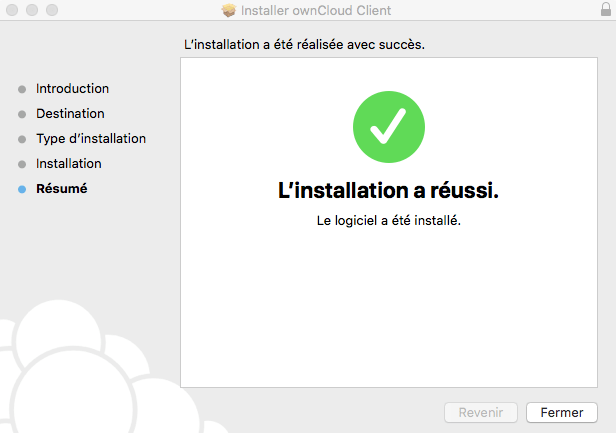
Je viens de tester la version OwnCloud Mac Os, vers mon Raspberry Pi ( https://www.cyber-neurones.org/2018/11/raspberry-owncloud-installation-en-bref/ ) . C’est vraiment très stable … Je pense que je vais dire “Bye-Bye Cozy.Cloud” et les nombreux fichiers conflicts.
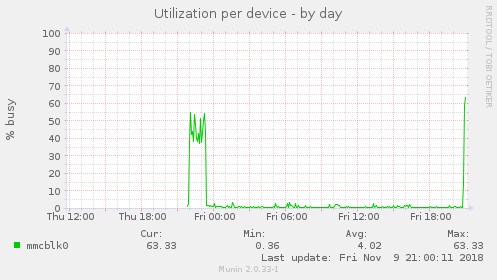
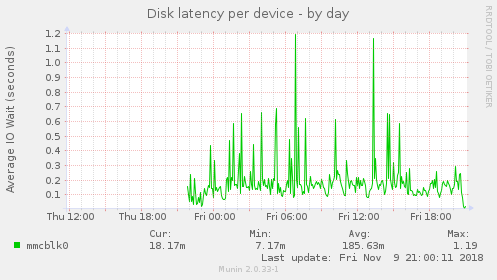
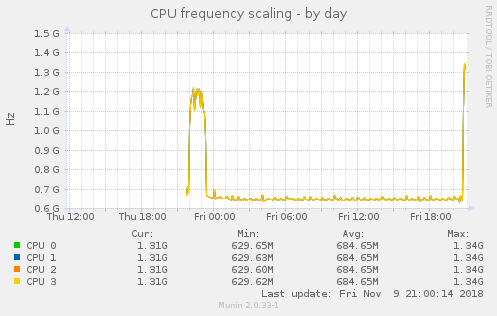
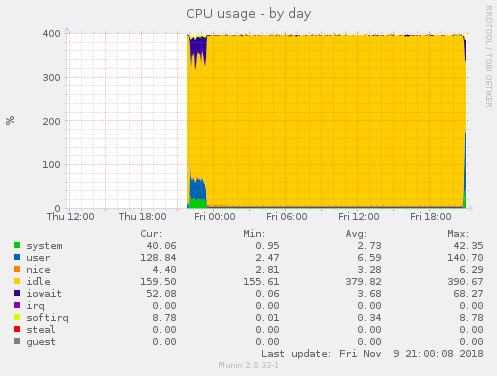

Quand je regarde la charge via Munin sur le Raspberry Pi :